


A quick tour of the builder
ReadingThe quest
The three parts
| Part | What it's for |
|---|---|
| Left side | The brushes, in drawers: Terrain for the land, Objects for things and people, Inventory for things to find. |
| Middle | The map of the world you're building. |
| Under the map | Buttons for Game Settings  , Map Settings  , Play, Select  and Erase  . |
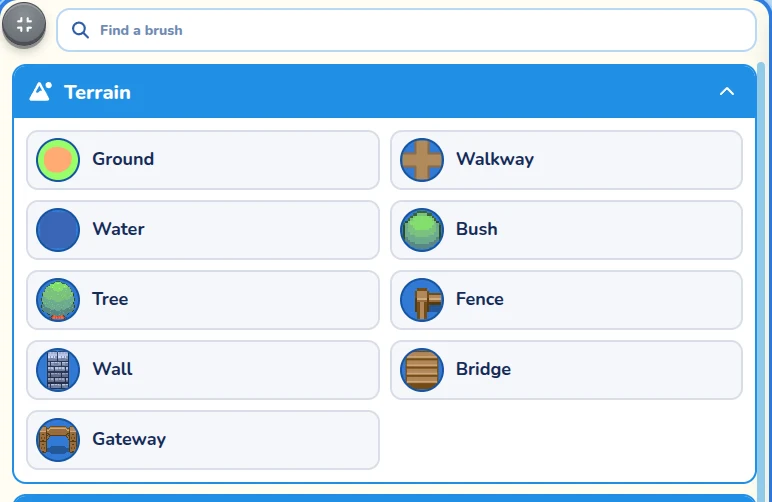
In this course the builder is small, so the drawers fold up into a thin row of buttons down the left side. Terrain is  , Objects is
 , and Find a brush is
 . Press one and its drawer slides open. Press Expand and you get the full drawers back.

How to paint with a brush
Everything in this course is built with brushes, so here's how they work.
Open a drawer on the left, like Terrain , and click a brush, like Water.
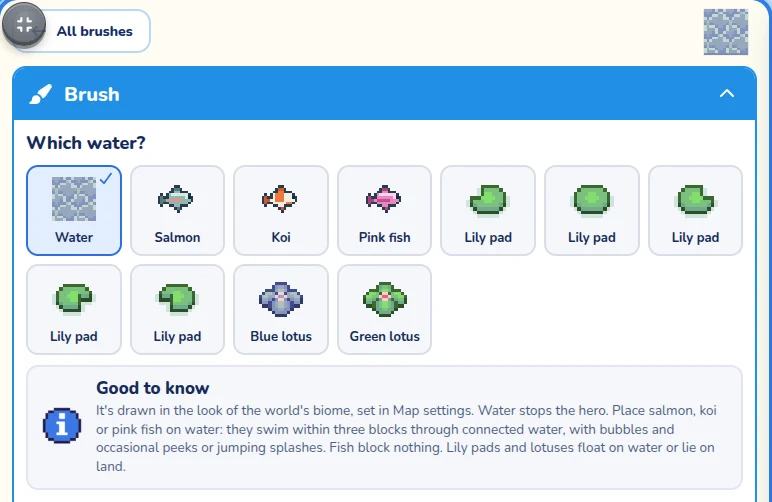
The drawer turns into the Brush drawer. It shows the kinds of that brush you can pick. For Water, that's the water itself, fish, lily pads and lotuses.
Now move the pointer over the map. White squares show exactly where the brush will paint, before you click. Click to paint one spot, or drag to paint a line.
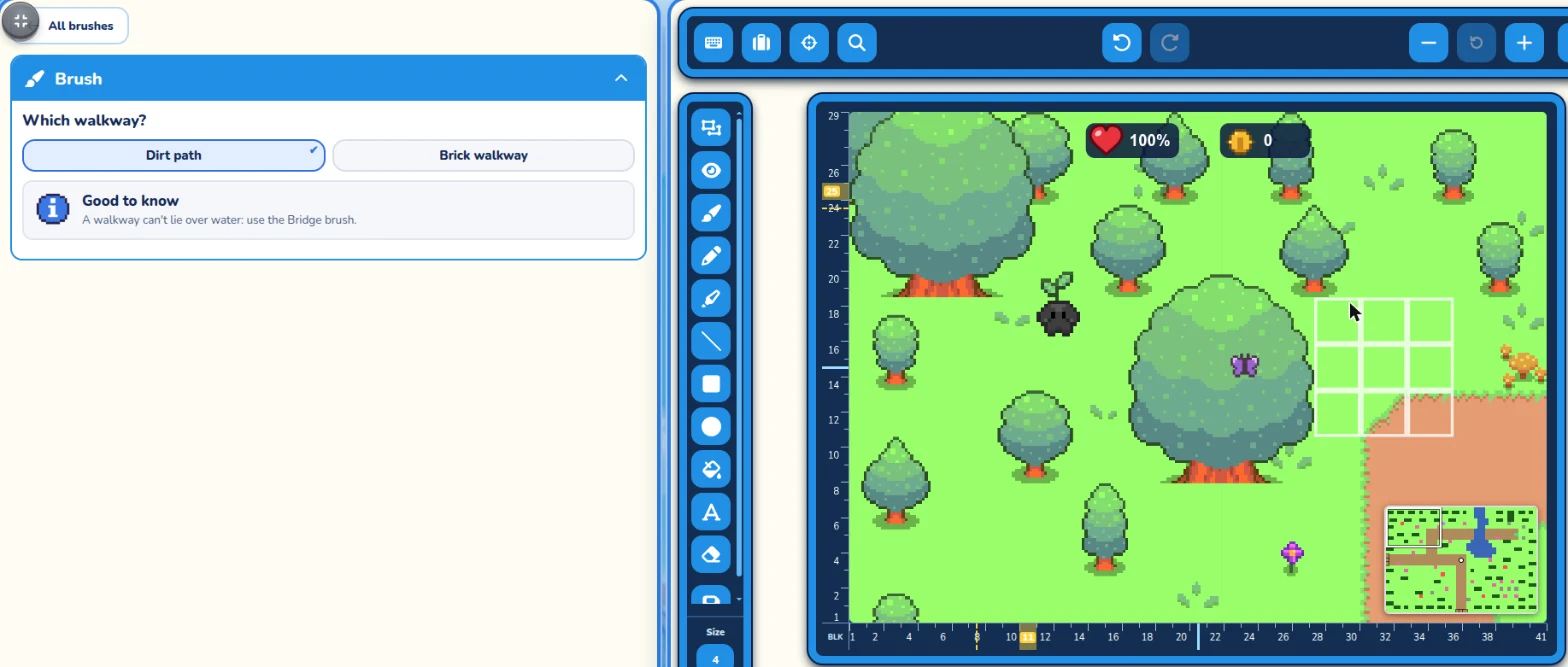
Press All brushes  at the top of the drawer to go back to every brush. You can also type a brush's name in Find a brush .
Fixing things
| Want to… | Do this |
|---|---|
| Change something you put down | Press Select and click it. Its Object settings open on the left. |
| Take something away | Press Erase and click it. |
| Undo a mistake | Press Undo  at the top of the map. |
Try it
Paint a little water on your map, then press Undo to take it away again.