Creativity comes first
Dream it, build it, make it their own.




Little experiments. Big moments of “I made that!”
Made for ages 5 and up.
Dream it, build it, make it their own.
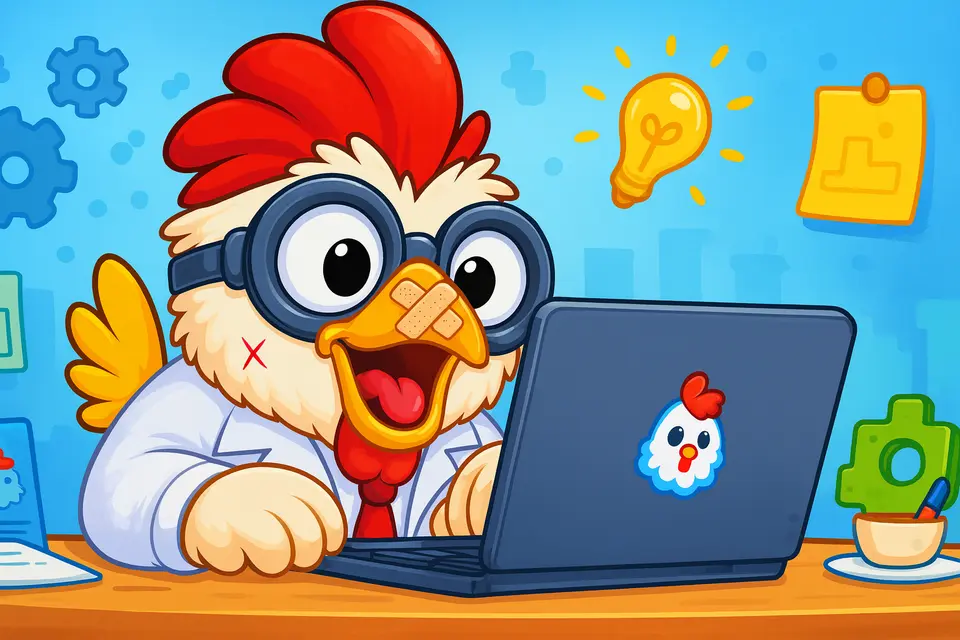
Test an idea. Change it. Try again.
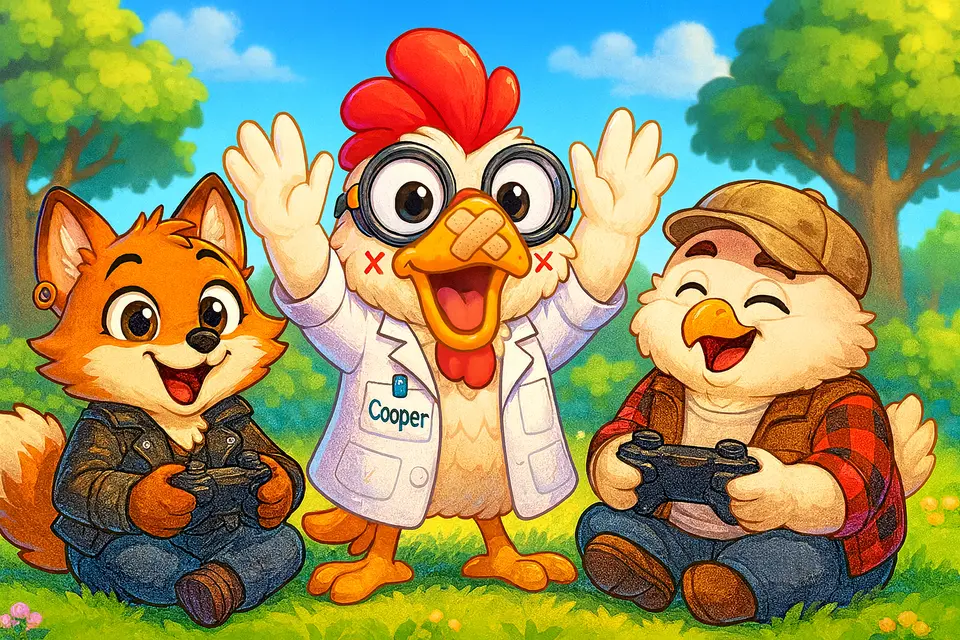
Share a game and play with 1–4 friends.
Every kid is different. Here’s a rough guide.
With a grown-up nearby: answer picture questions, pick a hero, and play a ready-made game. Then make small changes to games, like adding more coins and enemies.
Build a simple level on their own, from the start to the goal, and test it as they go. Then pick a biome and music, and share the game with friends by link.
Add enemies, checkpoints, locks and keys, and hidden levels. Then build bigger games with many levels, and try an Adventure with villagers and quests.
Write scripts that tell characters what to do, change gravity, and make their own characters. Then design boss fights and build quests with a story.
Room to explore.
You stay in charge.
Try it without an email address.
A parent PIN keeps account settings in grown-up hands.
Set how long each child can build and play each day.
Pick which game types each child can play and make.
Share by link, with no public social profile. You can ask to approve it first, or turn sharing off.
Set messages, emoji, and pictures — no free typing. Keep multiplayer to your family, or turn it and chat off.
Cooper’s suggestion chips work without sending chat to OpenAI. Free-text messages are for registered accounts. Siblings can play on different devices at once. Only a grown-up account holder can choose a paid plan (kids see “Ask a grown-up”), and you can cancel any time from Account.
Read our Privacy PolicyMore ways to play. More ways to build.
Sound cues and a game voice guide a player through a maze with headphones. No screen needed.
High contrast gives everything its own bold shape. Bigger view makes each square twice as big.
Slow the game down, cut screen motion, or move one square at a time.
Play with a keyboard, a gamepad or on-screen buttons, and change the buttons to suit your child.
A map cursor paints, erases and moves things from the keyboard or a gamepad.
The builder tells a screen reader what is on each square, and can describe the whole level.
Press B and type a name, like “wall” or “key”, to pick a brush.
Say what you want in your own words, and Cooper makes the change.
Real coding ideas, in plain words.
Every enemy and villager follows a script: a short list of rules that says what it does. Kids open that script and change it to make the character their own.
They never start from nothing. Each character already has a working script, so a first change can be one number or one line. It works in Adventure and Platformer games.
Splat Script is the language those scripts are written in. It is made of plain words, like “when I get hit” and “run away 3 blocks”, and it reads almost like a sentence.
when I see the hero
  if my health is under 50
    run away 4 blocks
  else
    chase the hero
  end
Something happens, and a rule starts.
when I get hitCheck something, then pick what to do.
if the hero is nearDo the same steps again and again.
repeat 3 timesRemember a number or a word for later.
@count goes up by 1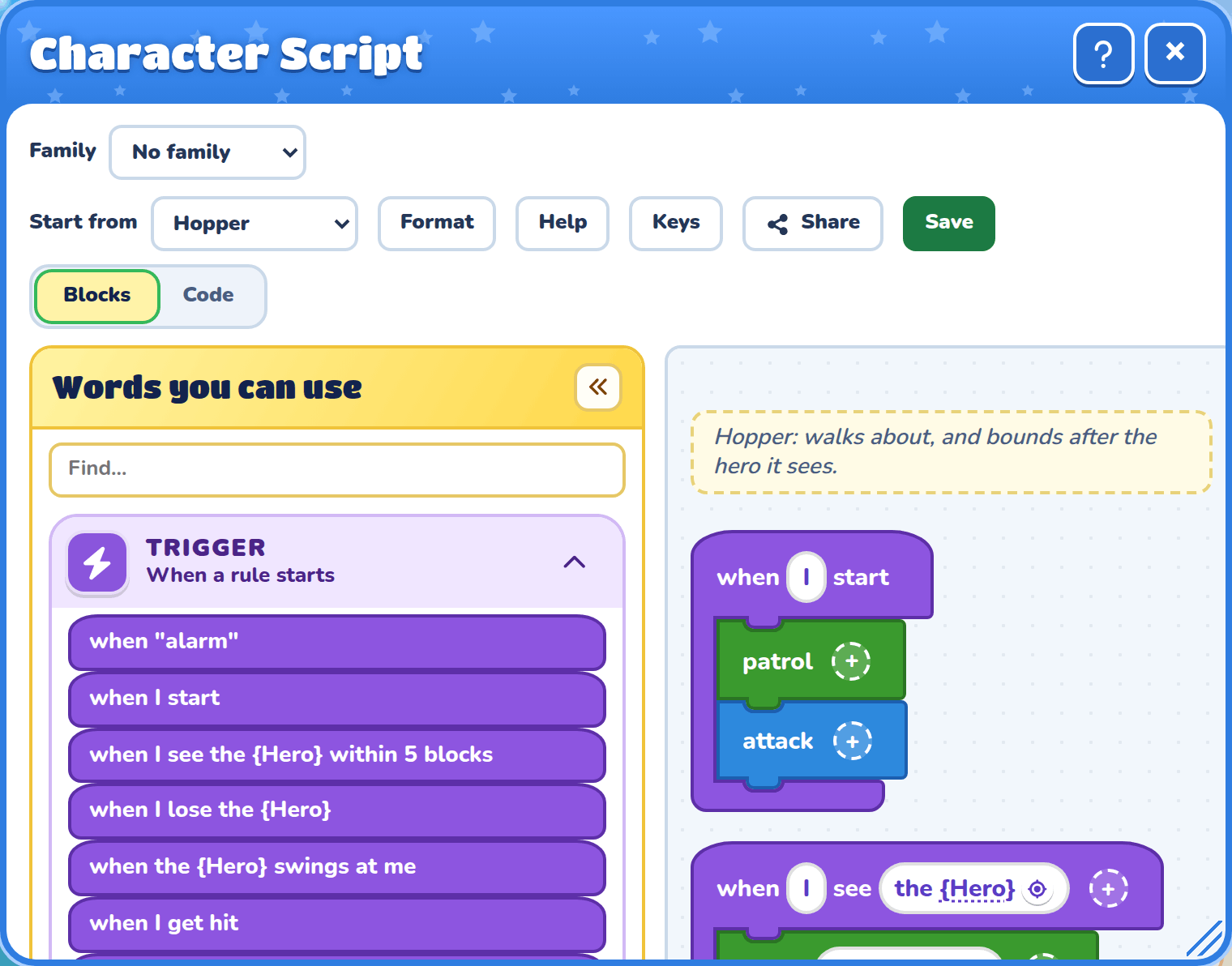
Every line is a colored block. Kids drag a word from “Words you can use” and snap it into place. Numbers sit in white bubbles with − and + buttons, so there is nothing to spell.
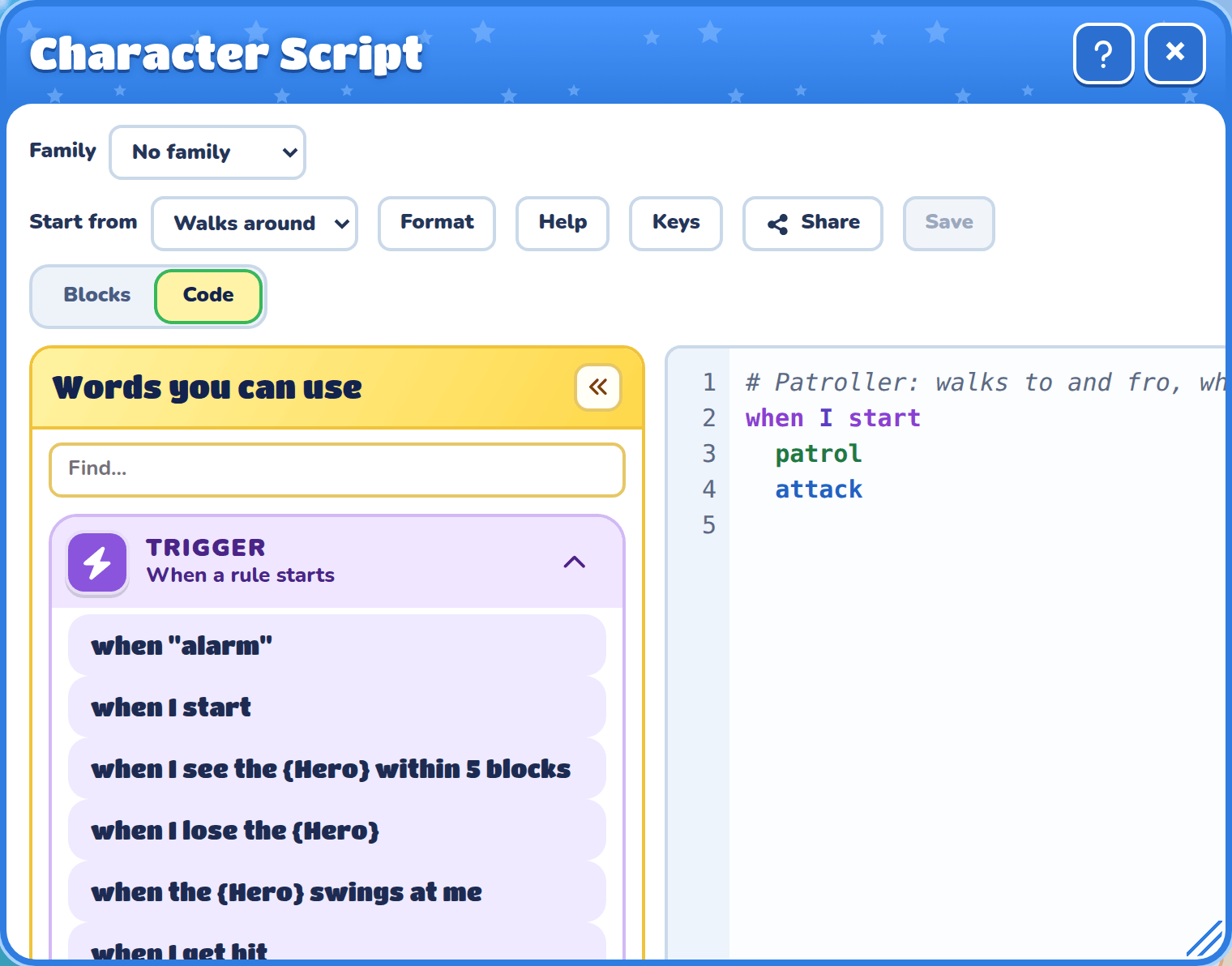
The Code button shows the same script as typed lines. Kids can swap back and forth whenever they like, so blocks become a bridge to real typing. A list offers ways to finish each line, and a mistake is explained in plain words.
No coding. Just imagination.