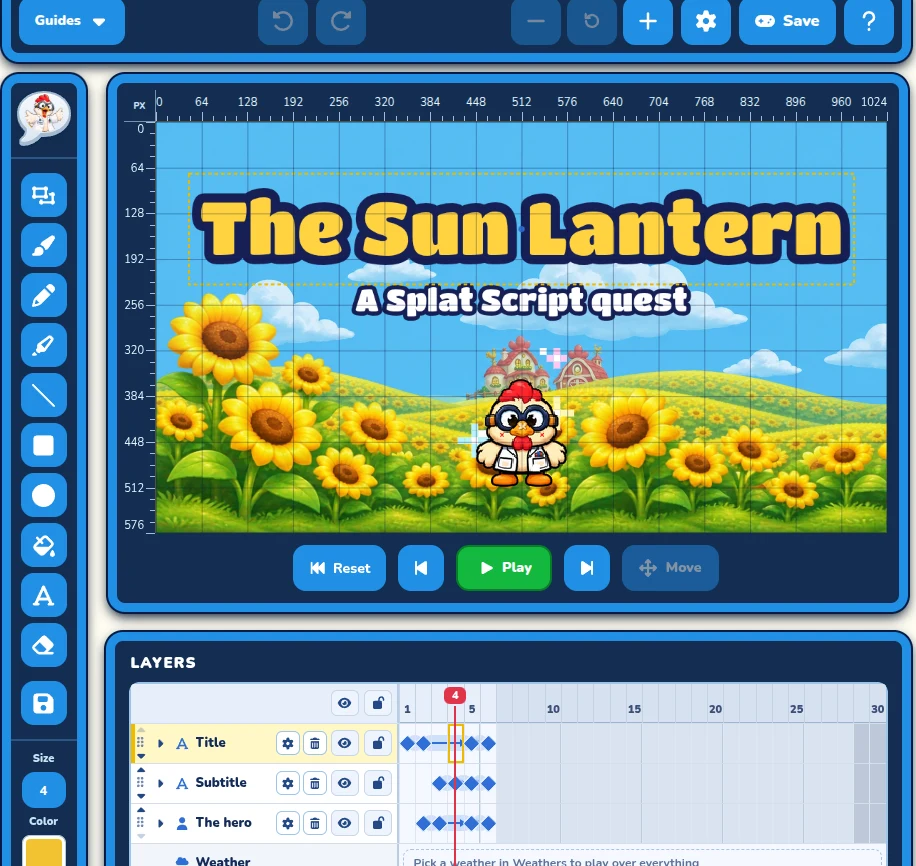
A title Screen
ReadingOptionalGoing the extra mile
Real games start with a title. Yours can too!
A Screen is a short animation you make in the Addon Lab, up to 30 seconds long. Set it as your game's Opening Screen, and it plays when someone starts a new game.
Here's the one we made. Watch it.
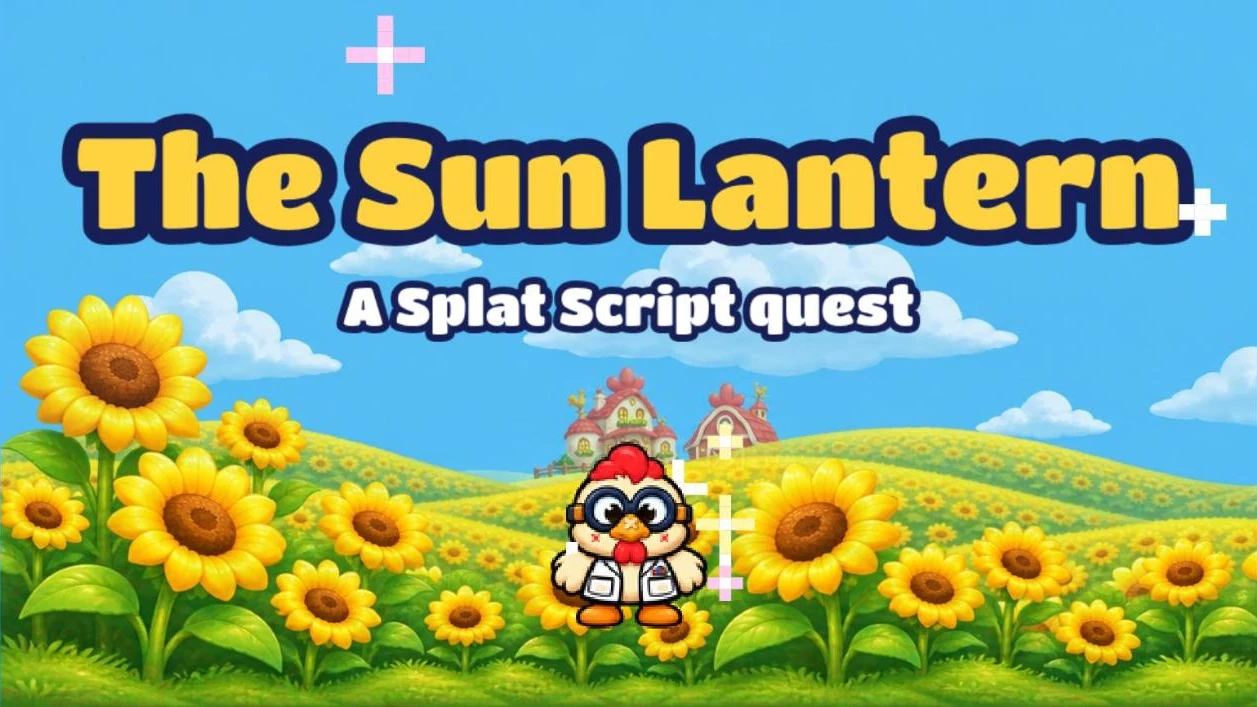
Make a new Screen
In the Addon Lab, press New, then Screen, and give it a short name. Ours is called Lantern.
The stage is 16 blocks wide and 9 blocks tall. On the left are drawers of things to add. From them, add:
| Drawer | Pick |
|---|---|
| Backgrounds | Sunflower hills |
| Music | Adventure |
| Built-in | The hero |
The hero is whichever hero your game starts with, so the Screen always matches your game.
Add the title
Pick a yellow paint colour, then the Text tool, and click near the top of the stage. Type The Sun Lantern and press Done.
Add a second line in white, like A Splat Script quest.