

Tell the story on a scroll
Try itTie it together with scripts
Now for the scripts. The first one is the game script, which runs for the whole game.
What a scroll is
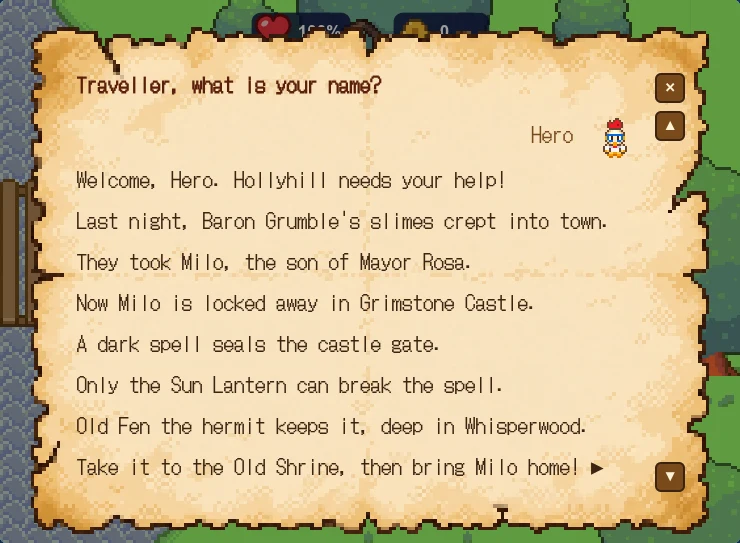
A scroll is an old sheet of paper that opens over the game for a story. While it's open, every say line is written on it, and the player presses A, Enter or Space to read on.
Try the story script
Here is the story script. Press Play to try it.

What each part does
| Line | What it does |
|---|---|
when the game starts | Runs once, when the game starts. |
if not @story_told | Skips the story if the player has already read it. |
show a scroll with typing effect | Opens the scroll, and types each line out. |
@name is the typed answer to "..." | Asks a question, and the player types the answer. |
with @default is "Hero" | The name to use if the player doesn't type one. |
say "Welcome, @name." | Writes the line, with the player's name put in place of @name. |
hide the scroll | Puts the scroll away, so the hero can move. |
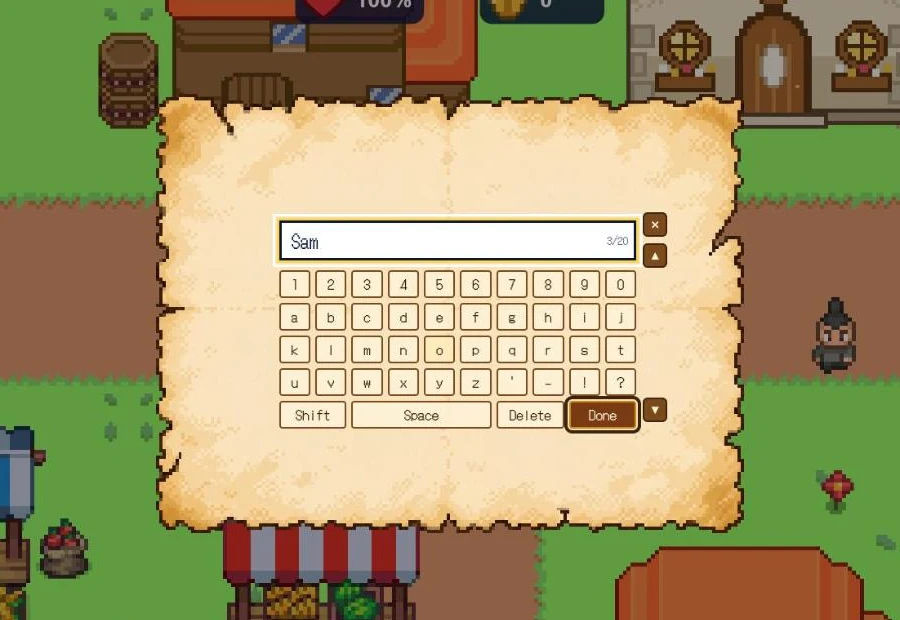
@name is a @variable. It remembers the answer for the whole game, in every world. So any script can say the player's name later on.
Put it in your game
Open Game Settings  and press Game script. Type the story script in, then press Play to read your story.