


More about sprites
ReadingOptionalOther kinds of addons
You made a coin, but a Sprite can be lots of other things. This section shows a few more things to try.
How to start one
- In your Lab, press My Addons, then Create an Addon.
- Pick New, then Sprite, then a name.
- For "What kind of sprite is this?", pick one of the kinds below.
What is different
| Part | For this kind |
|---|---|
| Hero | A hero for the player to be. It starts with five poses: Walk down, Walk left, Walk right, Walk up and Dying. The game plays them by itself. |
| Power-up egg, Spring, Checkpoint, Goal | The game's own things, drawn your way, just like your coin. They show in the Sprites drawer under their own cards. |
| Blank | An empty sprite with no kind. Draw anything, and add your own frames and poses. It goes in your My Sprites drawers. |
| Cooper draws the frames | Draw the first frame, then Cooper can draw the rest of the frames from yours. It costs Cooper coins, and you can only do it once, so finish your first frame first. |
| Adding poses | Add a pose, under the rows, makes a new row. Tap the pen beside a pose's name to rename it. |
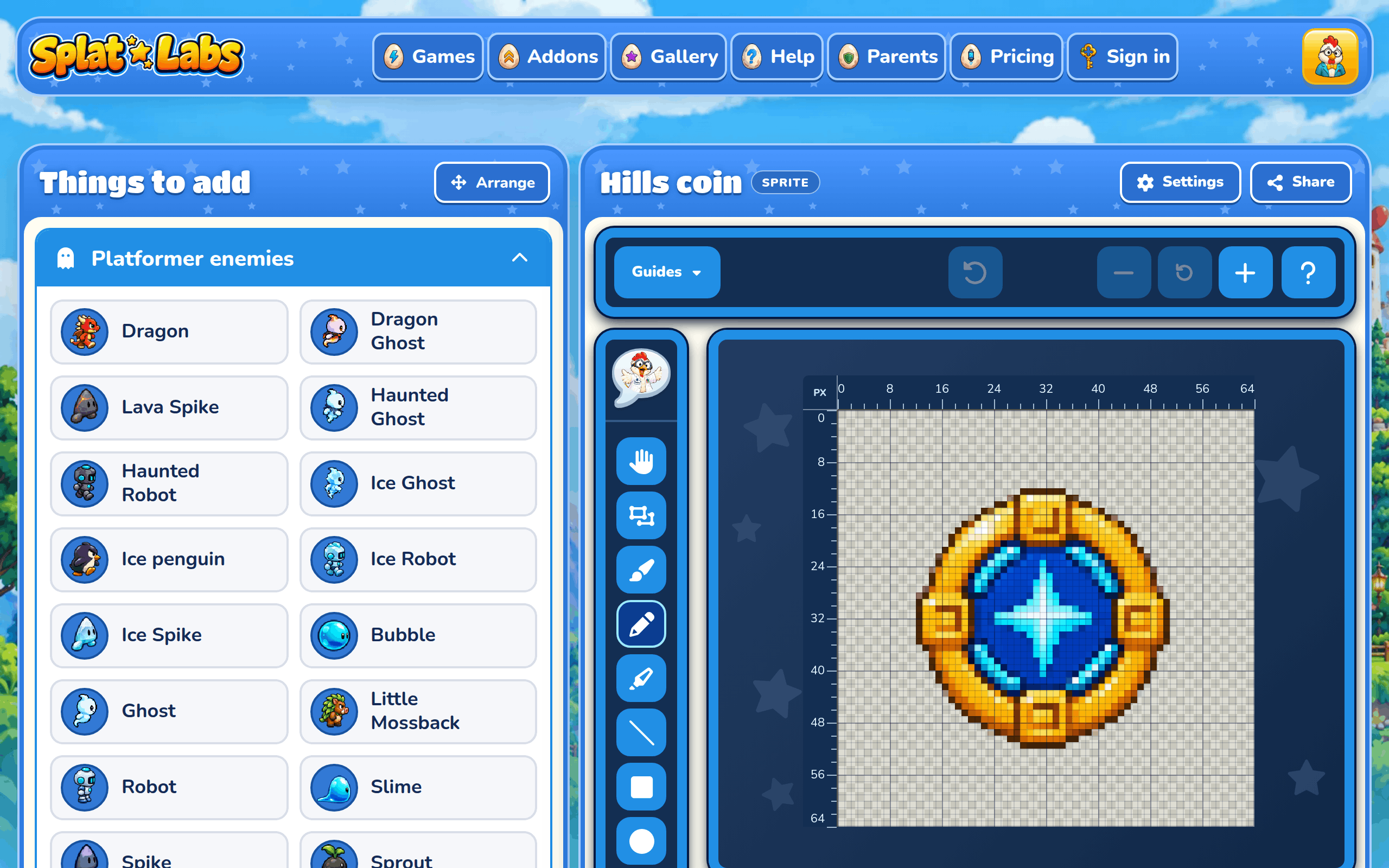
| Things to add | The drawers on the left hold the games' own enemies, villagers and objects. Pick one to put it on your frame, then move it and press Done. |
| Uploading | The disk button  in the toolbox opens a picture from your computer. It can cut a sprite sheet into frames too. |
The help page has every button and setting.