


Weapon
ReadingOptionalOther kinds of addons
A Weapon is something an enemy shoots or throws, like a dart or a snowball. A weapon can also be swung, like a sword.
How to start one
- In your Lab, press My Addons, then Create an Addon.
- Pick New, then Weapon.
- Give it a name.
- For "How will it attack?", pick Shoots (it flies straight) or Throws (it flies in an arc).
What is different
| Part | For this kind |
|---|---|
| Drawing it | Draw it on its own, lying flat and pointing to the right, in the middle of the square. The game turns it to fly the way an enemy aims. |
| Frames | One pose of up to 8 frames. The frames loop as it flies. |
| Weapon settings | Drawers on the left: Attacks, Speed, Size and Spins. |
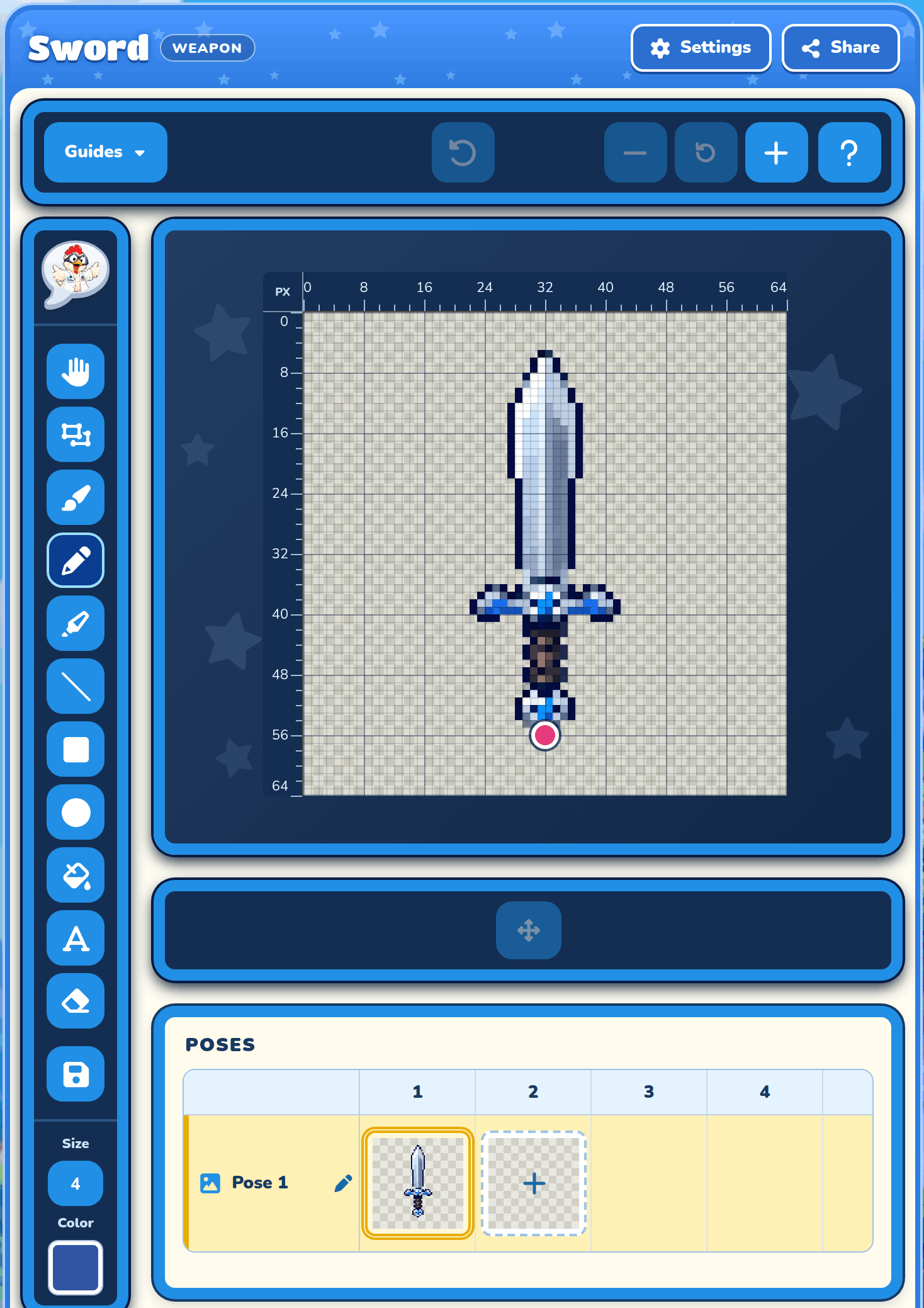
| Swung weapons | Set Attacks to Swings, and draw it standing up, handle at the bottom. Drag the pink dot onto the handle: that is where it is held. |
| In a game | Pick an enemy in the builder and open its Object settings. Under Weapon, your weapons come after the game's own. |
The help page has every button and setting.