


Racing
ReadingOptionalOther kinds of games
In Racing, you build a race track square by square, then race karts round it.
What stays the same
The row under the map, Play  , Select
 , Erase
 , Undo
 , and the Game
 and Map
 buttons all work the way you learned. Racing has no lives, and its hero is the driver you race as.
What is different
| Part | In this kind of game |
|---|---|
| Starting one | The setup questions build a ready-to-race track. You pick its biome, how long it is, and its shape, like Oval or Figure eight. |
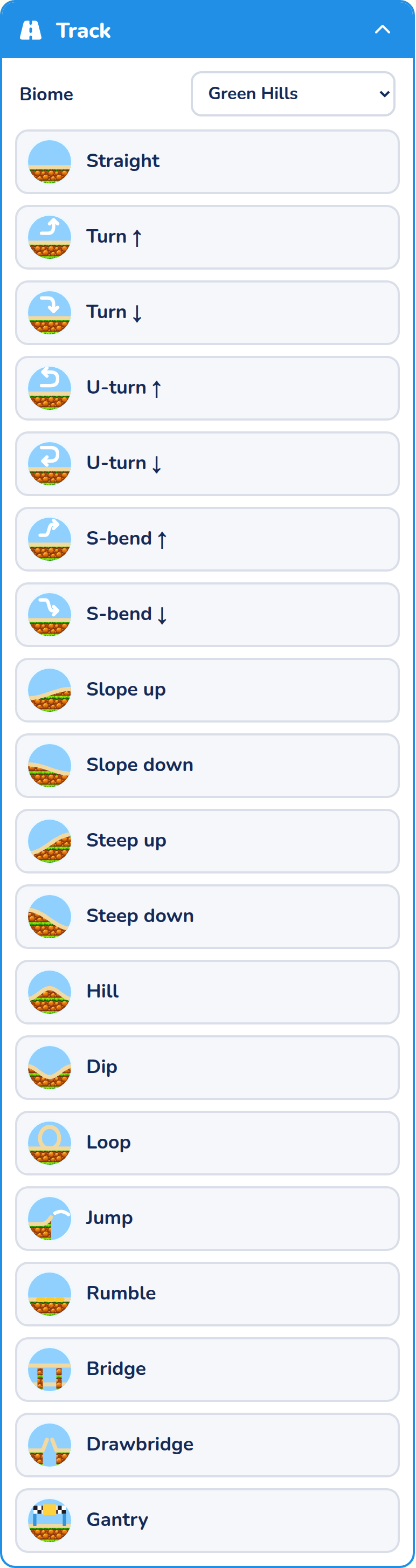
| Building the track | Click a square of the map, then pick a piece of road for it from the Track drawer  : a Straight, a Turn, a Hill, a Loop and more. |
| The start | The start/finish gate is where every lap starts and ends. |
| Objects | Coins, power-ups, hazards and signs go beside or on the road. |
| Turning the map | The Q and E keys turn the map, so you can see the track from every side. |
Try it on your own
This section has no builder on the page. Try it in the real builder:
- Open your Lab and press Create a Game.
- For "What do you want to make?", pick Racing.
- Pick a biome, a size and a track shape.
- Press Play and race a lap.
The help page about this kind of game has every brush and setting.