


More in a Platformer
ReadingOptionalOther kinds of games
You built a Platformer in this course, but there is lots more in it. This section shows a few things to try next.
What stays the same
The row under the map, Play  , Select
 , Erase
 , Undo
 , and the Game
 and Map
 buttons all work the way you learned.
What is different
| Part | In this kind of game |
|---|---|
| Behavior brushes | Insert adds empty columns in the middle of your level, so you have more room. Remove takes columns away. Camera pin holds the camera still. |
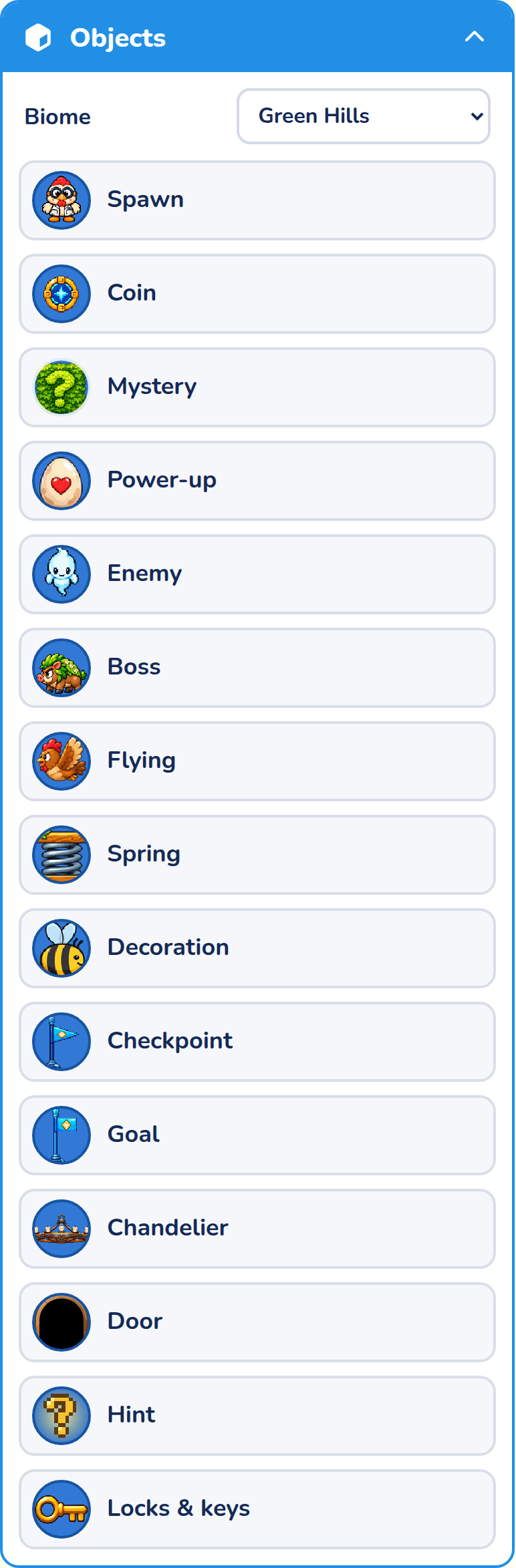
| Doors | A Door takes the hero to another place, or to a hidden level. The hero goes in by pressing W, or up on the d-pad. |
| Locks & keys | A Key opens a Lock block or a locked door of the same colour. |
| Bosses | A Boss is a big enemy. The Goal only works once every boss is beaten. |
| More level settings | In Map Settings, Gravity changes how high the hero jumps, and Darkness makes a level dark, so only the places near a light can be seen. |
Try it on your own
This section has no builder on the page. Try it in the real builder:
- Open your game from this course in the real builder.
- Add a Door and a hidden level, or a Boss at the end.
- Press Play and try it.
The help page about this kind of game has every brush and setting.