Play help
Sharing and copying
Send a game to a friend, give it an award, copy it into your Lab, or report it.
The play page has a few things you can do with a game besides playing it. For playing, see Playing a game.
Share
Share copies the game's link, ready to send to a friend: "Game link copied. Send it to a friend!".
Awards
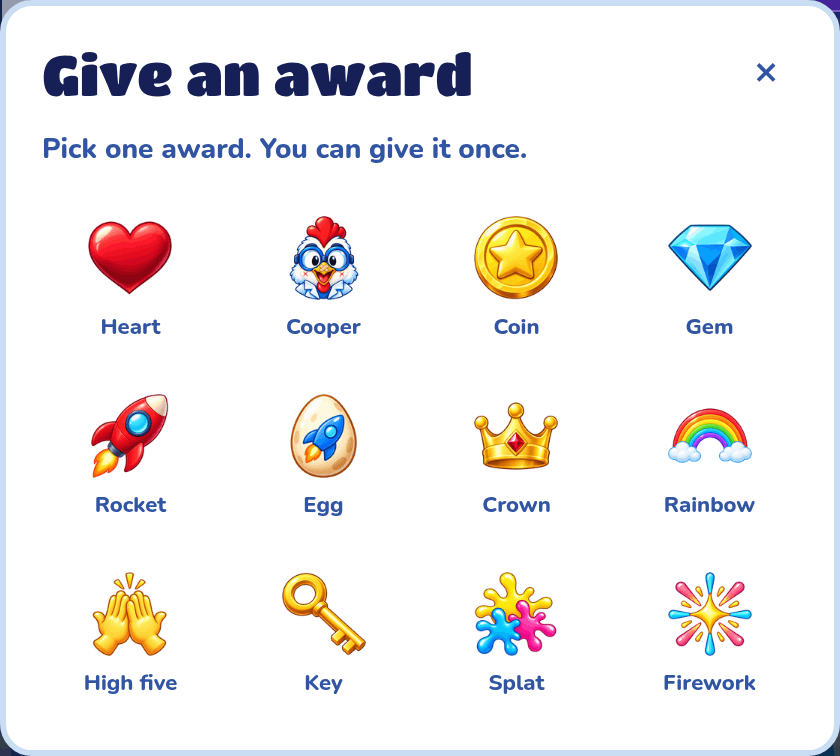
Press Give an award under the game and pick one of 12 awards, like a Heart, a Crown or a Firework. You can give each game one award. The arrow next to the awards shows every award the game has been given.
Copy game
Copy game puts your own copy of the game in your Lab, named "Copy of" and the game's name, and opens it in the builder so you can change it. The copy starts with no plays, awards or high scores.
Copy game only shows when the game maker has turned on Allow copying, and you need a Lab with an account. You can copy your own game too. Your copy is the version players see, and it uses the same addons as the first game, so changing one of those addons changes both games.
Report this game
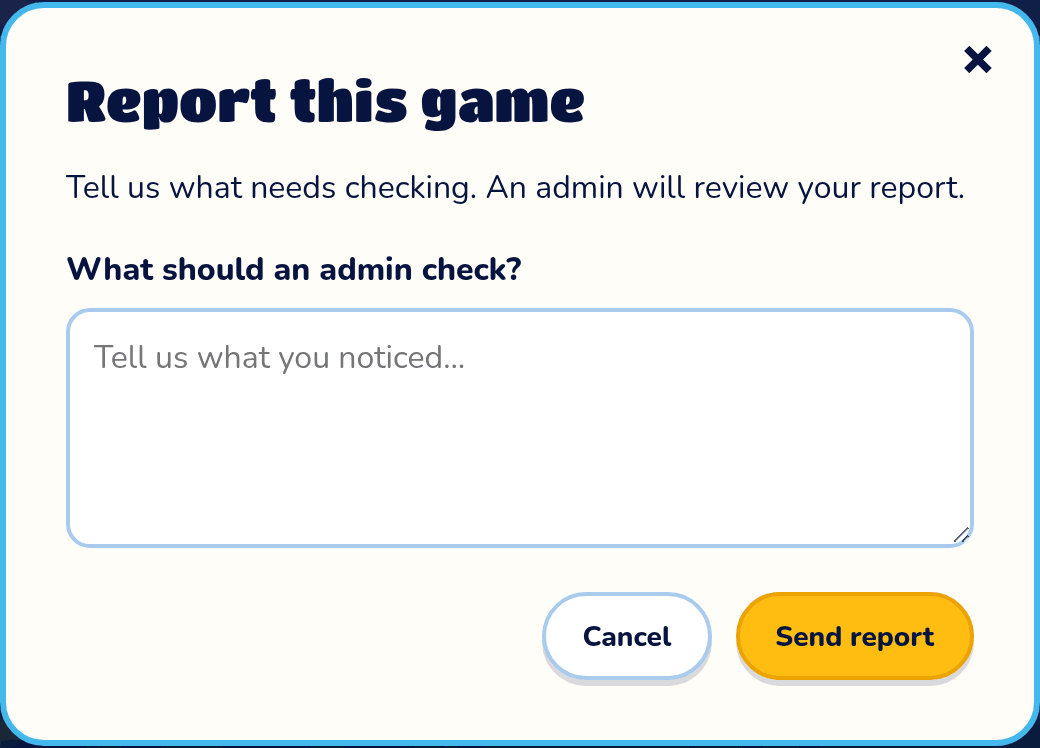
If something in a game doesn't look right, press Report this game, say what an admin should check, and press Send report. An admin will look at it.