

Play help
Adventure
Explore, talk to people, fill your bag, shop, and reach the goal without running out of health.
In an Adventure you explore a big world: talk to people, find things, open locks and reach the goal. For the parts every game shares, see Playing a game.
The goal
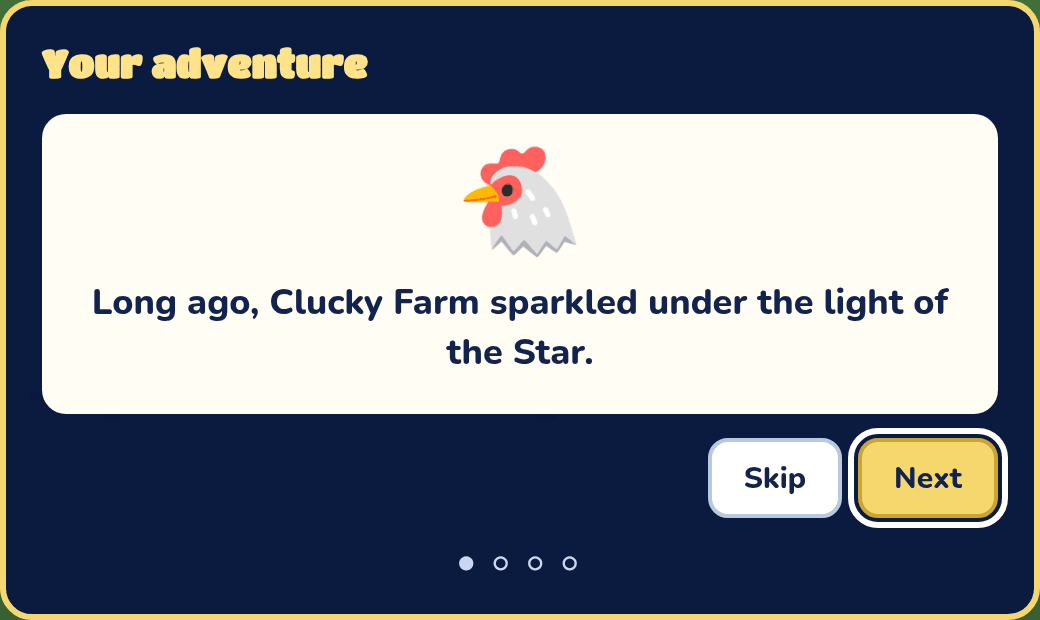
Every Adventure has one goal: find the shards, find the keys and open the lock, or find your friends and bring them home. The story window tells you the goal when the game starts. Press Next to read on, then Let's go!.
If the game maker hasn't set a goal yet, the play page says nobody can win.
Health
Instead of lives, an Adventure has a heart with a number, starting at 100%. Enemies and holes take some away, and the heart blinks when it's low. At 0 it's "Game over!".
Controls
- Move: W, A, S and D, or the arrow keys.
- Jump: Space. Attack: X. Open or talk: E. Dash: Shift, once you've hatched a Dash egg.
- Bag: I. Map: M.
- Gamepad: the stick or d-pad moves, Select opens the bag, L opens the map, and Start pauses.
- Keyboard & gamepad in Game settings shows every key and button, and lets you change them.
- Phone: a thumbstick on the left, and Attack, Open or talk, Dash (once you've hatched a Dash egg) and Jump on the right. The bag and map buttons are under Exit full screen at the top right.
On screen
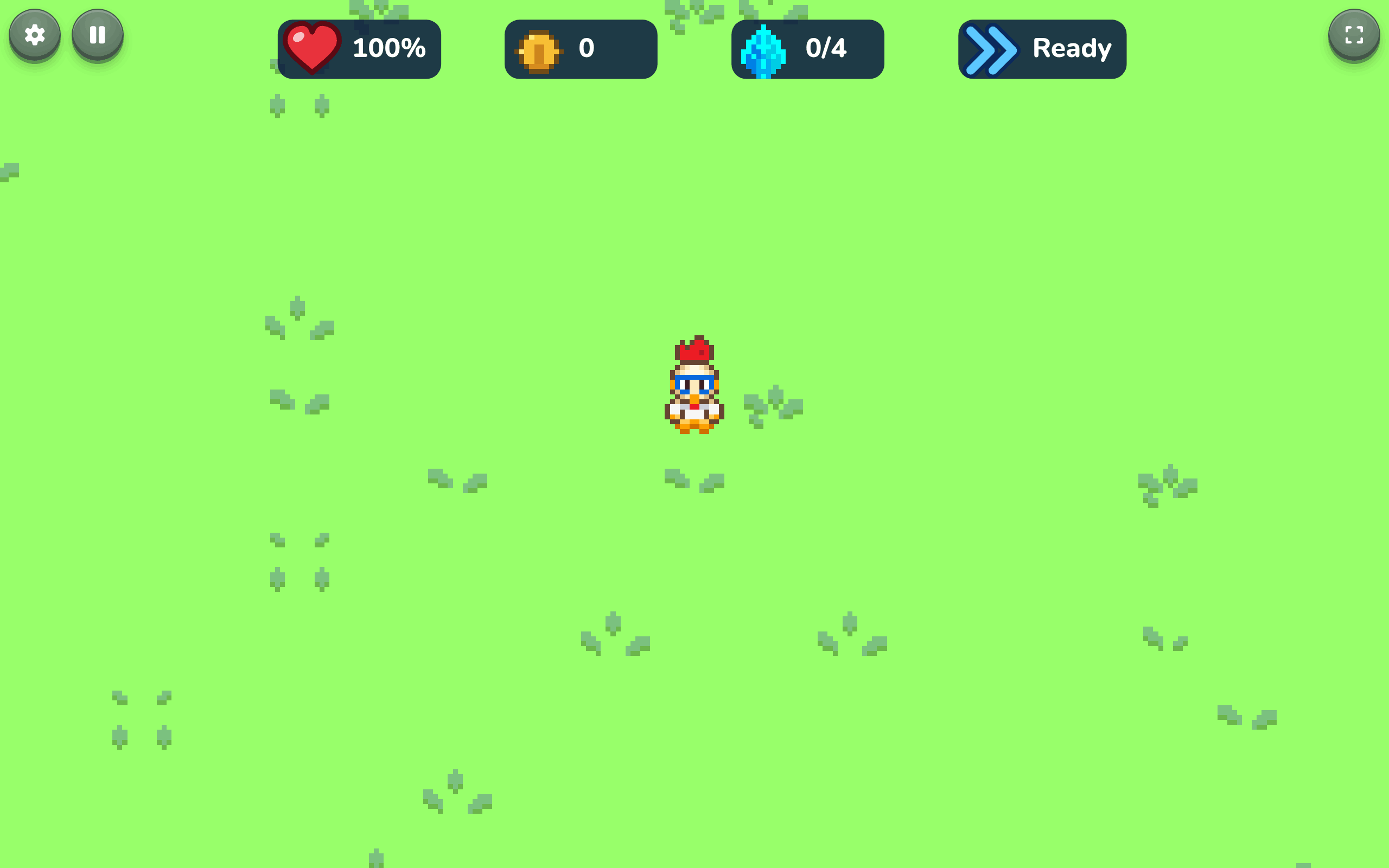
Your health, your coins, how much of the goal you have found, whether your dash is ready (once you've hatched a Dash egg), and a timer for each power-up egg that's working.
Your bag
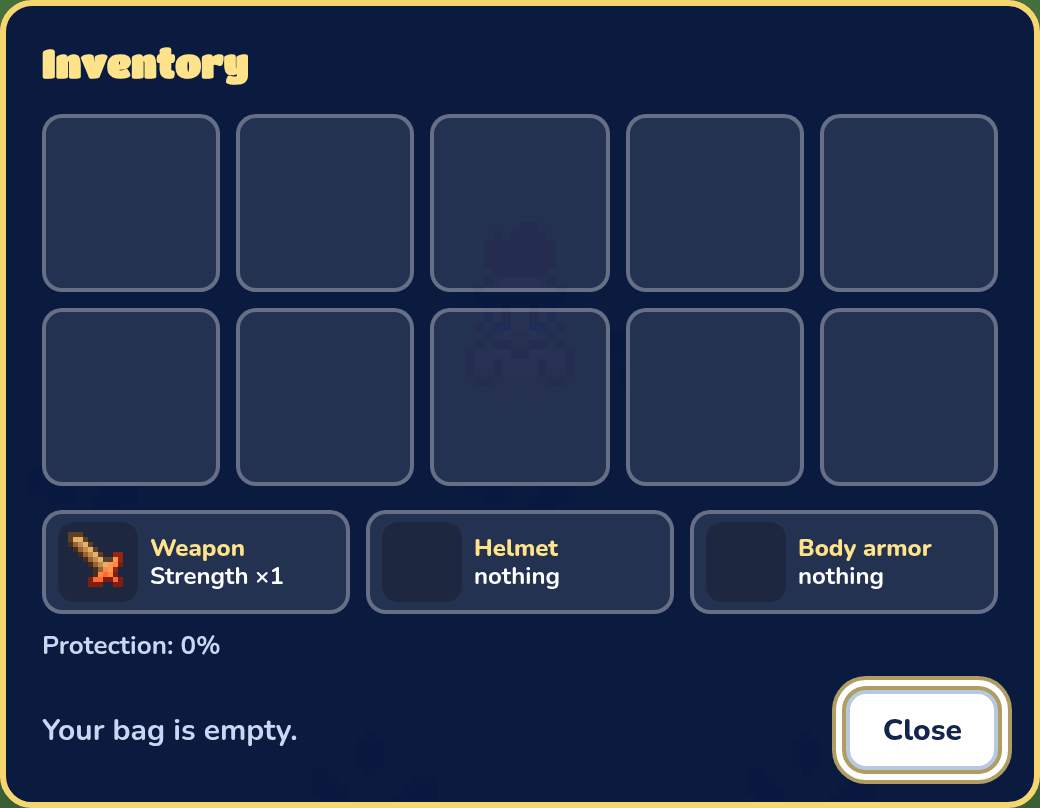
Press I (or your Bag key), the bag button on a phone, or Select on a gamepad, to open your Inventory. It shows your keys, what you're wearing and holding, and how much protection your armor and shield give. Your shield only guards your front, so face what's coming. With no sword or shield equipped you still hold a wood sword and carry a wood shield. Pick an item to Equip, Hatch or Eat it, Take off armor, or Throw away something to make room. The bag also opens when you find something ("You found: …"), so you can Take it or Leave it.
When you pick something up, it shows over your head for a moment. Press Open or talk while it's there to use it right away instead of keeping it in your bag: a weapon, helmet, armor or shield goes on (what you had on goes into the bag), an egg hatches, and food is eaten.
Skills
A hero starts out without skills. Hatching a skill egg teaches a skill for good: you keep it through doors, deaths and saved games. In a game played together, one hero hatching it teaches the whole team.
- Dash: a quick lunge the way you face, or a sidestep when you press a side with it. You can dash again 5 seconds later.
- Smash: keep holding Attack after you swing, and a meter fills over your head while you walk. 2 seconds after you pressed it, you smash, for twice the damage. Let go sooner and nothing happens. A smash breaks through cracked walls and doors with a rusty lock.
- Swimming: walk into any water, or off the end of a dock, and you swim, a little slower than you walk. You can drop off a ledge one step high into water below it, and swim over a waterfall of any height (it carries you down, so you can't swim back up it). Lava is still off limits. Climb out onto any shore, but not back up onto a dock or bridge. In the water all you can do is swim: no attacks, dashes, jumps or items from your bag. Swim up to a boat and press Talk to climb in.
Shops
Talk to a shop keeper to open their market stall. What they sell sits on the counter, each with its price on a tag, and your bag is below. Pick a thing on the counter to buy it, or pick something in your bag to sell it. Your coins show at the top.
The map
Press M, or the map button on a phone, to see the whole area you're in, or the inside of a building.
Locks and signs
A lock says "It's locked. Find its key!" until you bring the right key. Some locks show a grey gem or dagger instead of a keyhole: those open with that gem or dagger. A gem or dagger goes in your bag and takes a slot. If you throw one away, it drops on the ground so you can pick it up again. A rusty lock has no key: it's "rusted shut", and only a smash opens it. Signs show what the game maker wrote on them.
Pausing and saving
Pause the game to see Save game and Quit. Only Labs with an account can save.
You did it!
When you reach the goal, there's a celebration, then a card with what you found, your coins and your time. Press Play again, or Back to Lab, then see the high scores.