

Media help
Saving pictures and videos
Take a screenshot or a 10-second video of any game, and why the buttons are sometimes greyed out.
You can save a picture or a short video of any game you play, yours or someone else's. They go to My Media in your Lab, where you can keep them, download them, or share them in the Gallery.
Where to save
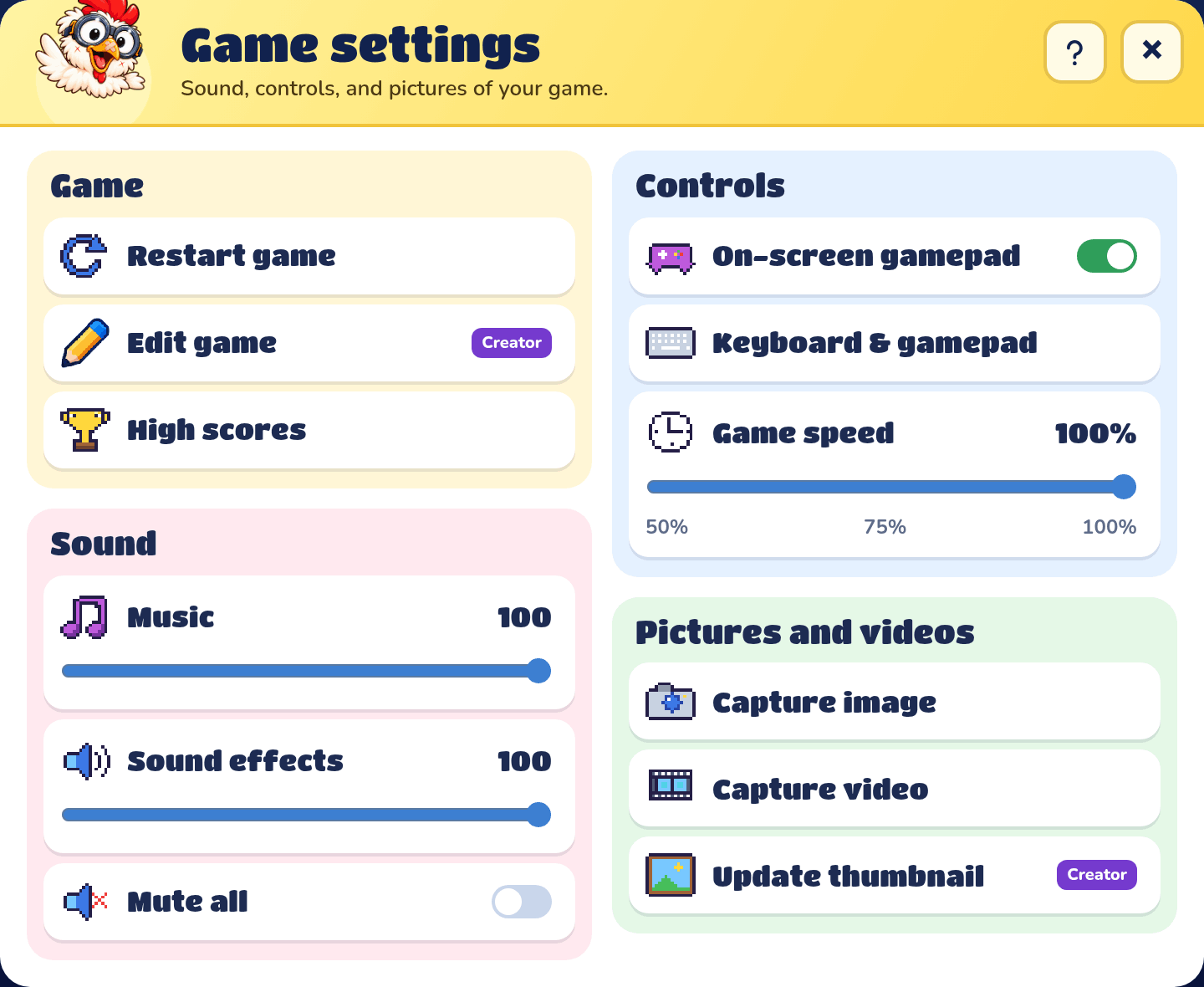
On a game's play page, pick Options on its menu (or on the Paused menu while you play) to open Game settings, then press Capture image or Capture video. They're in Game settings in online rooms too. In the builder, right-click the map and pick Capture image or Capture video.
Take a screenshot
Capture image saves a picture of the game just as it is on screen. A message says "Saved to My Media."
Capture a video
Capture video says "Get ready!" and counts down 3, 2, 1, then records the game, with its sound, for up to 10 seconds. Press Stop recording to finish sooner, or Cancel to throw it away. A message says "Processing in My Media": the video is being finished, and it shows up in My Media once it's ready.
When you can't save
Saving needs room, and only Labs with an account have room:
- A Lab with no account sees "Create an account to save screenshots and videos." Press Set up your Lab to make one. See Account.
- An account whose plan has no room sees "Your Lab's plan doesn't include saving screenshots and videos."
- When My Media is full: "Your family's My Media storage is full. Delete some screenshots or videos to save more."
An account has 50 MB to start with. Kid profiles each have their own My Media, but they all share the account's room: everyone's screenshots and videos count toward the same plan limit.
Why Capture video is greyed out
The message under the buttons says why: the game is still loading ("Wait for the game artwork to load."), the game has been won or lost ("Start a new game before recording."), the browser can't record video, or a video is already recording.
Which game it came from
A picture or video from one of your own games is saved with the game's name, and its share page links back to the game. From someone else's game it's just called "Screenshot" or "Video".