

Media help
The Gallery and share pages
Where public pictures and videos are shown: their share pages, awards, and the Gallery.
When you make a picture or video public in My Media, it gets a share page of its own and appears in the Gallery and on the homepage.
A share page
A share page shows the picture or video, who made it, and its awards. When it came from a published game, Play this game opens that game. Videos also have Download GIF. Each visit counts as a view.
You can open your own share page while it's still private; nobody else can.
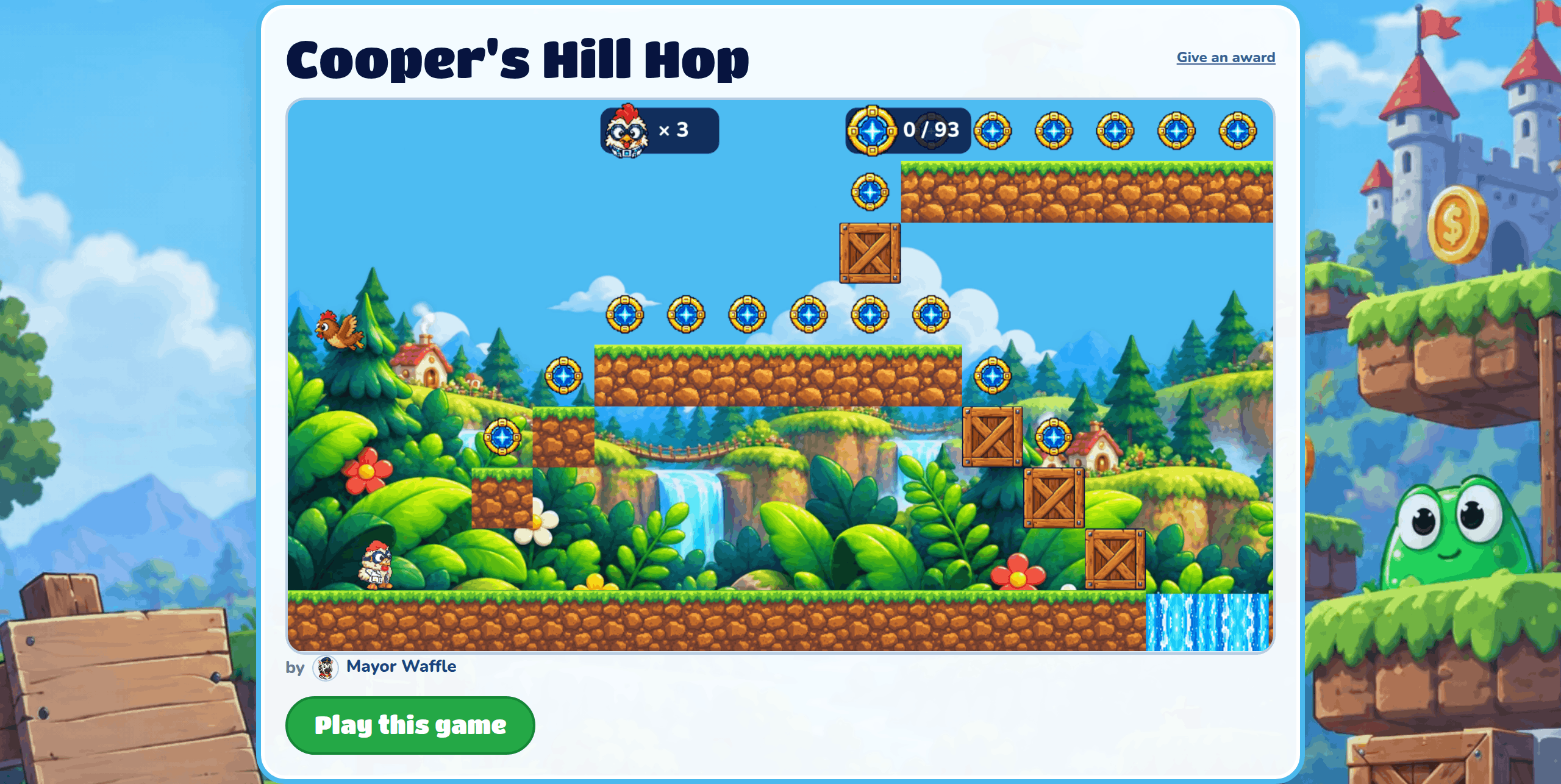
Give an award
Anyone can press Give an award and pick one award, like on a game's play page. You can give each picture or video one award, and you can't change it afterwards.
Link previews
When you send a share link in a chat app or post it online, it shows the picture, and in places that can, plays the video right there.
On a phone
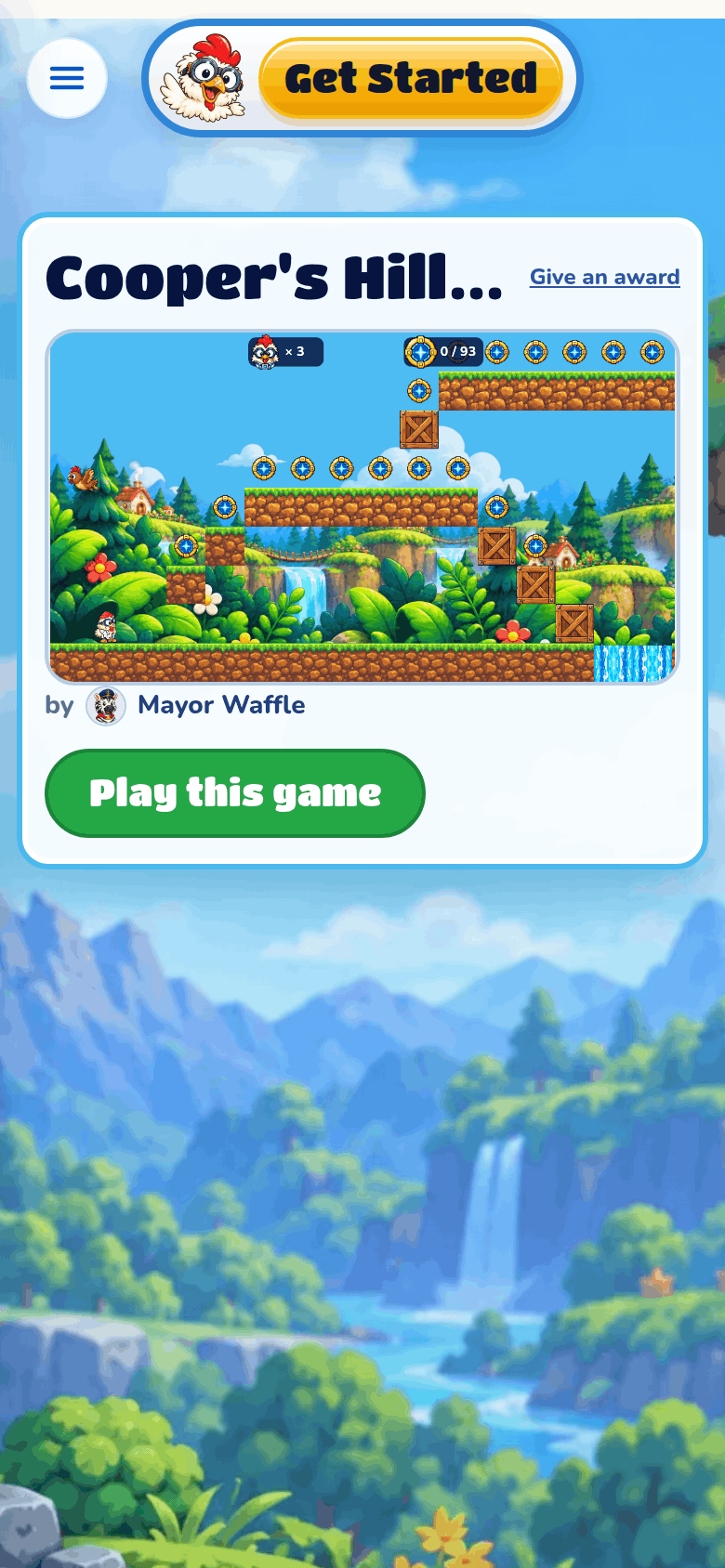
On a phone, the share page fills the screen, with Play this game under the picture.
The Gallery
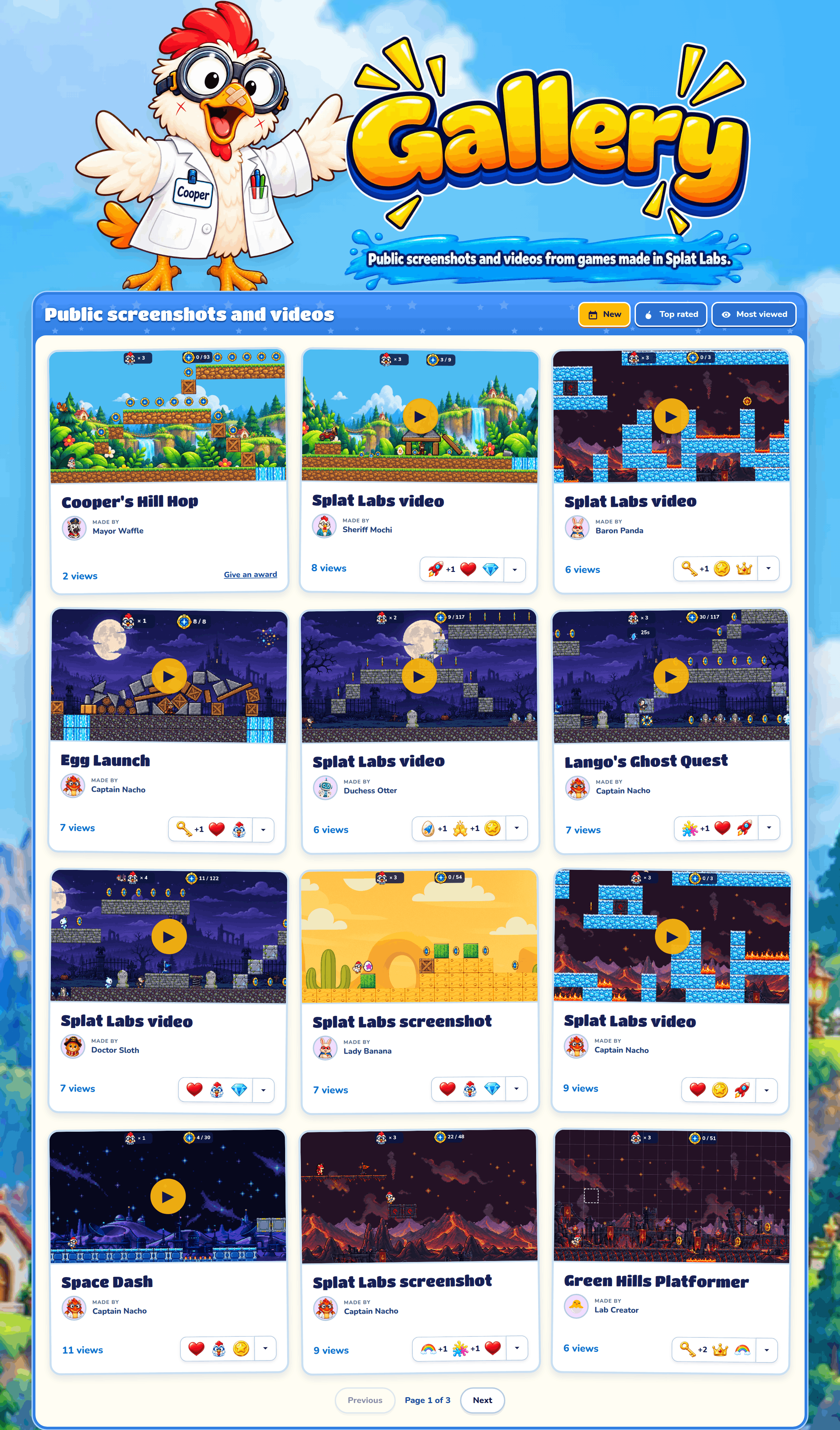
Gallery in the site's header shows everyone's public screenshots and videos. Each card has the picture, its name, who made it, its views and its awards. Click the name to open its share page. There are 12 to a page.
Sorting
New shows the newest first, Top rated the ones with the most awards, and Most viewed the ones seen most.
On the homepage
The homepage's "Pictures and Videos" shows the six newest public pictures and videos.