

Lab help
Your Lab Key
The secret key that opens your Lab on another computer or tablet.
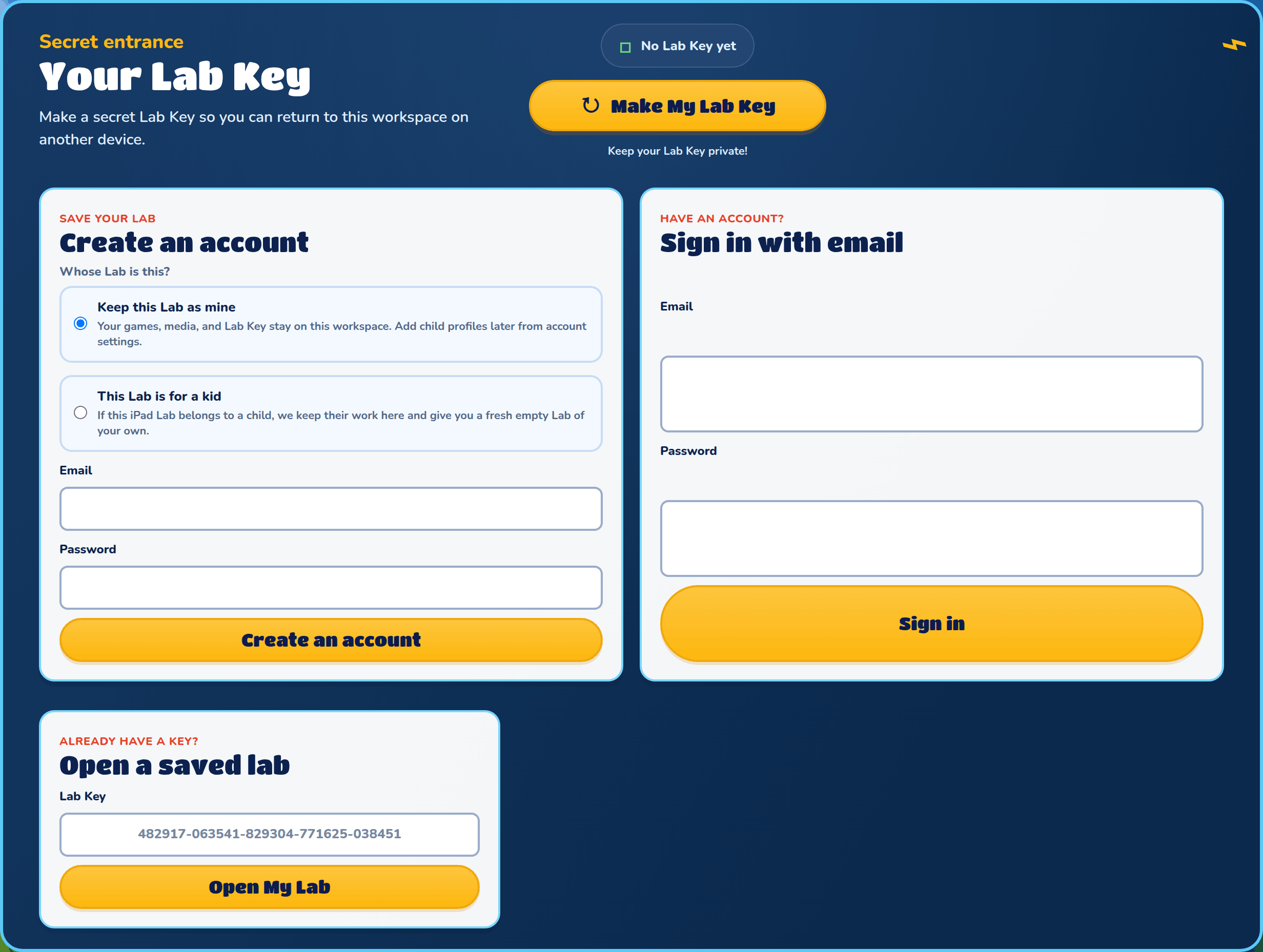
When you start without an account, your Lab lives on the computer or tablet you started on. A Lab Key is a secret code that opens the same Lab on any other device. The Lab Key box is at the bottom of your Lab.
Your Lab Key box
The box says No Lab Key yet until you make one, then Lab Key protected. Keep your Lab Key private: anyone who has it can open your Lab.
You won't see this box once you have an account, or in a child profile of a family Lab.
Make My Lab Key
Press Make My Lab Key to make your key. If your Lab doesn't have a name yet, you pick one first, because the name goes with the key.
Save your key
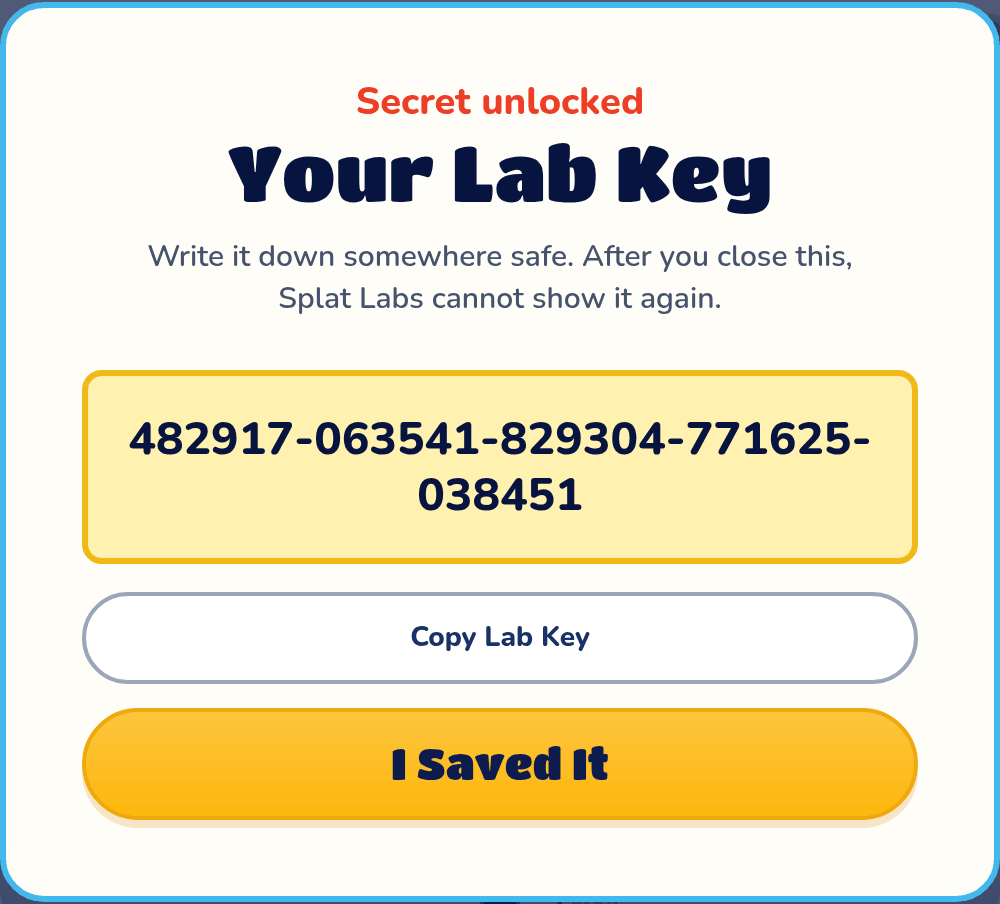
Your new key shows once. Write it down somewhere safe, or press Copy Lab Key, then press I Saved It. After that, Splat Labs can never show it again.
Make a New Lab Key
Lost your key, or think someone else has it? Press Make a New Lab Key. It asks first: your old key stops working, and so does every other device that has your Lab open. This device stays in, and you get a new key to save.
Sign Out Everywhere
Sign Out Everywhere closes your Lab on every device that has it open, this one too. It asks first. Your Lab Key still opens it again.
Open a saved lab
On another device, open the Sign in page, type your key in Open a saved lab and press Open My Lab.
Opening a saved Lab replaces the Lab on this device. If the Lab here has games you want to keep, make it a Lab Key first.