

Addons help
Music and sounds
Listen to your song or sound effect, upload your own, and draw its poster.
Music plays while your game runs, and sound effects play at moments like a jump or a coin. Every song and sound also has a picture, its poster, which shows on its cards.
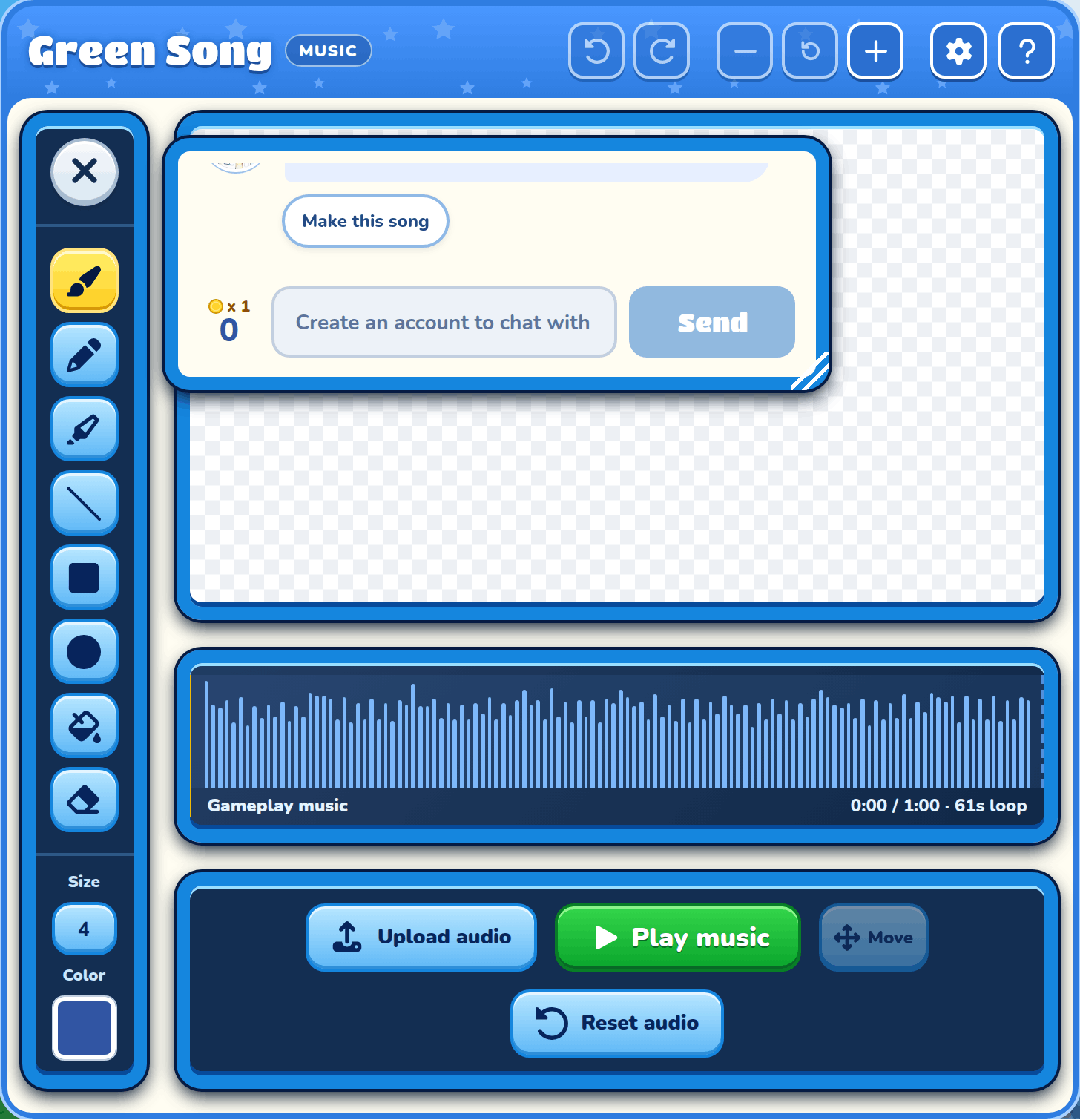
Poster
Draw on the poster with the paint tools to change your sound's picture. It shows on the sound's cards in the builder and in My Addons.
Poster saving
Your poster saves by itself. If it couldn't, press Retry saving poster.
Waveform
The waveform is the shape of your sound: tall where it's loud, flat where it's quiet. Click it to jump to that part, or use the arrow keys.
Loop
The shaded part of a song is the loop: the part that plays over and over in your game.
Play
Press Play to listen to your song or sound, and Pause to stop.
Upload audio
Upload audio uses your own sound file, or the sound from a video. It takes a moment to get ready.
Reset audio
Reset audio puts back the sound your addon started with.