1. Dream it up
A jungle adventure? A tricky maze? Start with an idea.

A Roblox alternative for ages 6–12
They get to make their own games.
You get to set the rules.
Build, play and share with friends—with parent controls built in.
No email needed. Nothing to install.
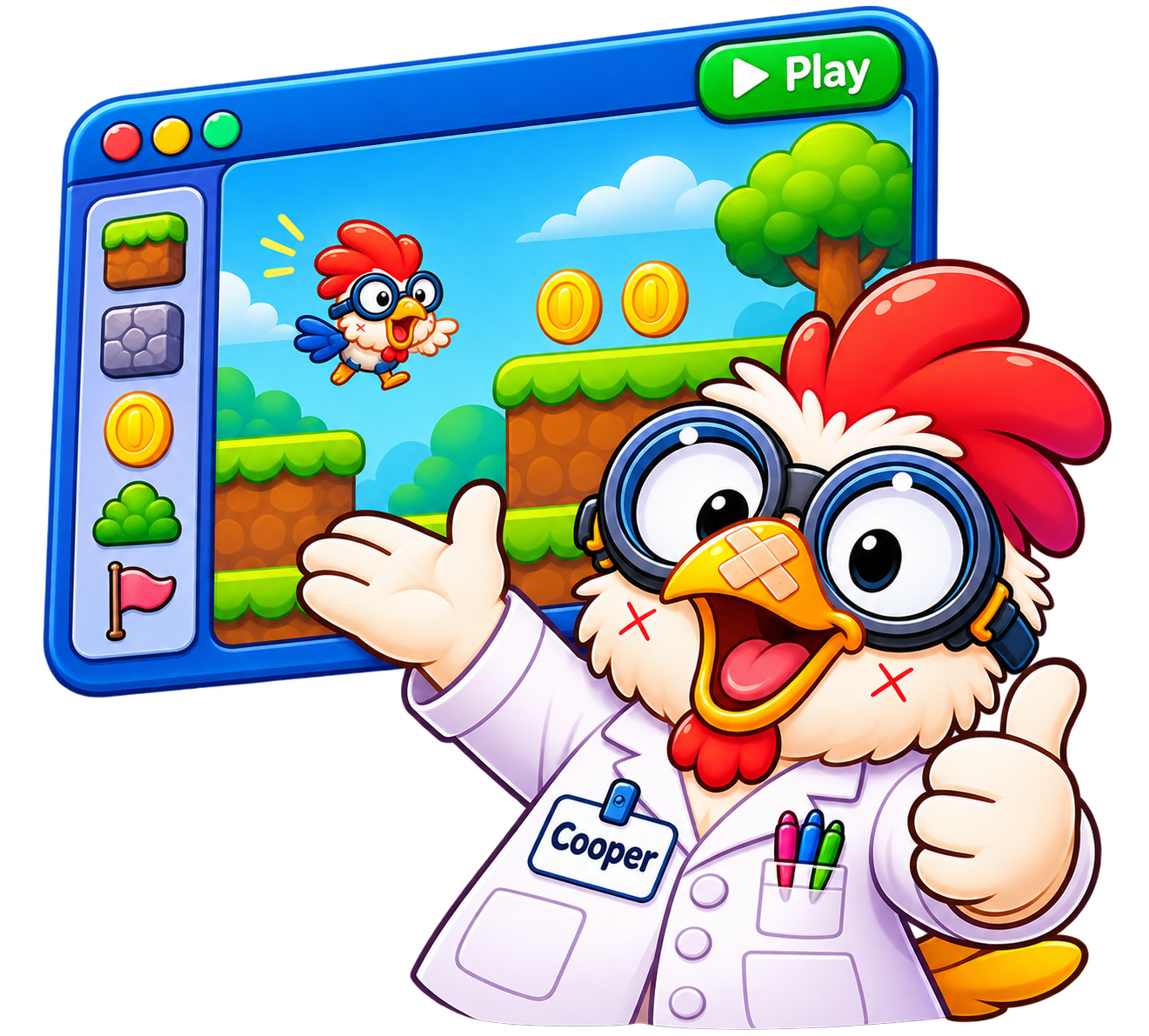
A place for big ideas, little experiments and games of their own.
A jungle adventure? A tricky maze? Start with an idea.
Build a level, add surprises and try it out.
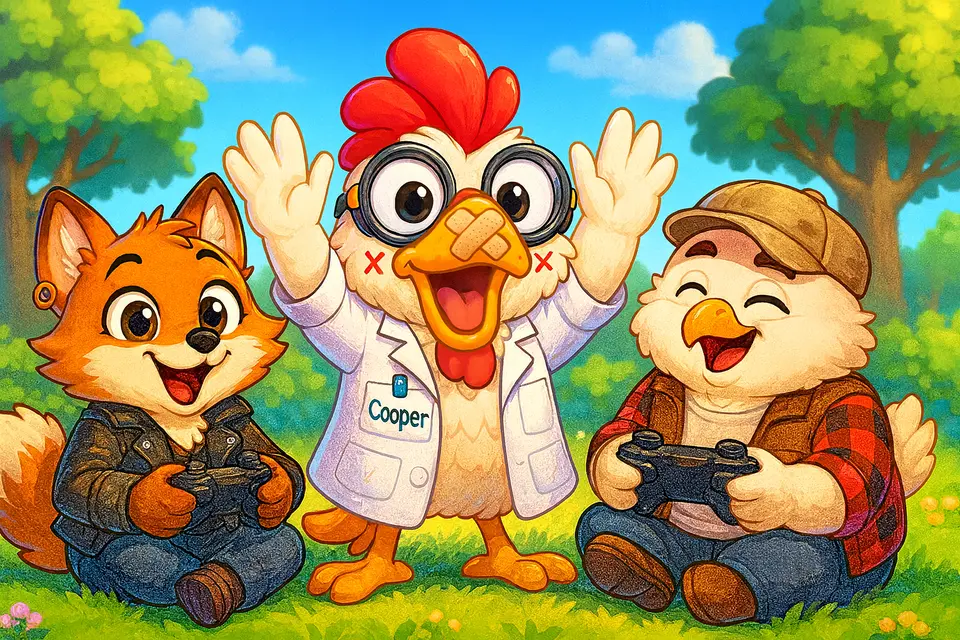
Share their creation and invite friends to play.
Free courses that teach one small step at a time.

Cooper Academy is where kids take courses inside Splat Labs. Each course is split into chapters of short sections: a little reading, a video, a quiz, or a challenge to solve in a real game. Every course is free.
Coding. Kids learn to code with Splat Script, a language of plain words. They start by making a slime walk, then build their own Platformer with a boss, or an Adventure with a story and a quest.
Art and design. They draw pixel art, make it move with frames, and put it in their games. They design levels, pick a biome and music, and decide how their game should feel to play.
Computer skills. They learn to type with all ten fingers, one row at a time, by playing typing games. Along the way they use real tools: menus, settings, saving, and testing their work.
Each section gets a tick when it is done. A quiz explains any wrong answer. A challenge checks the child’s game and ticks off each goal as they reach it. A finished course gives a certificate to print.
The progress page shows how far each child has got, with notes for each chapter.
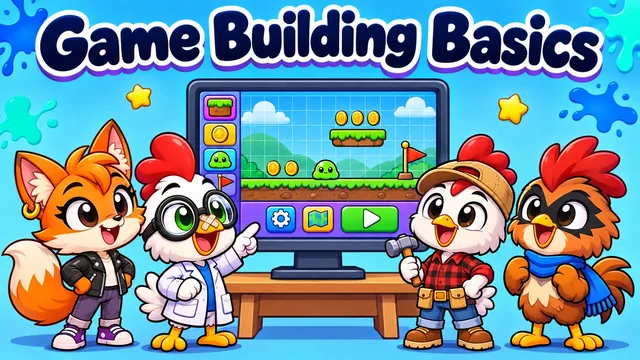 Game Building BasicsThe game builder, one button at a time. Kids build their own Platformer as they go.
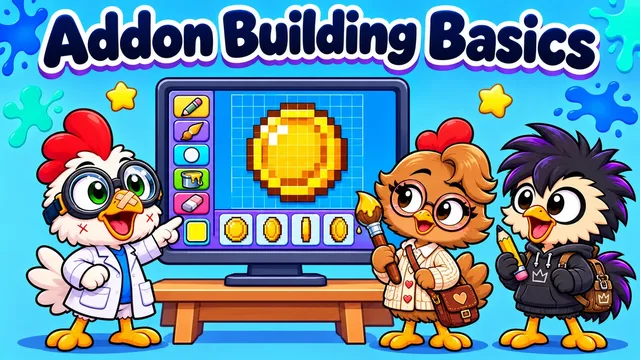 Addon Building BasicsDraw a pixel-art coin, make it spin with frames, and put it in a game.
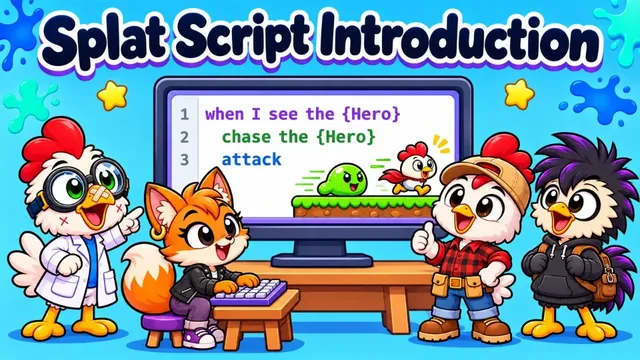 Splat Script IntroductionLearn to code by making games, from a slime that walks to a three-level Platformer with a boss.
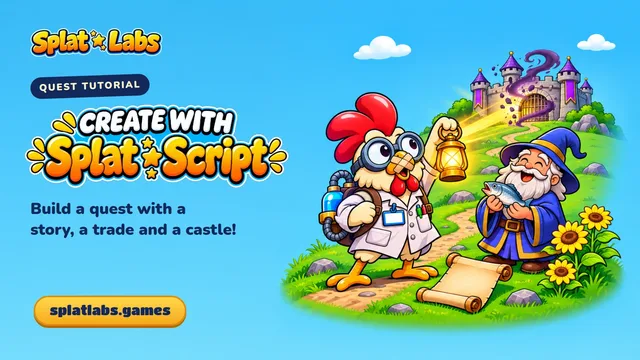 Creating a Quest using Splat ScriptBuild a four-world Adventure with a story, a hard bargain, a spell and a friend to rescue.
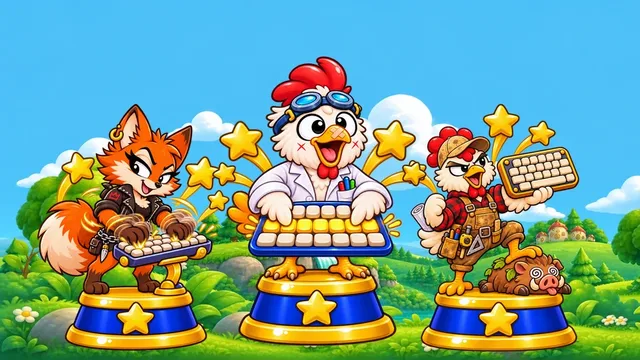 Type with CooperType with all ten fingers, one row at a time, by playing games. Needs a real keyboard.
Kids can also play the typing games without a course. They pick a game, then a level. The level decides the keys, from the home row up to capitals and full stops. Each level keeps their best speed, and the game slows down or speeds up to match them.
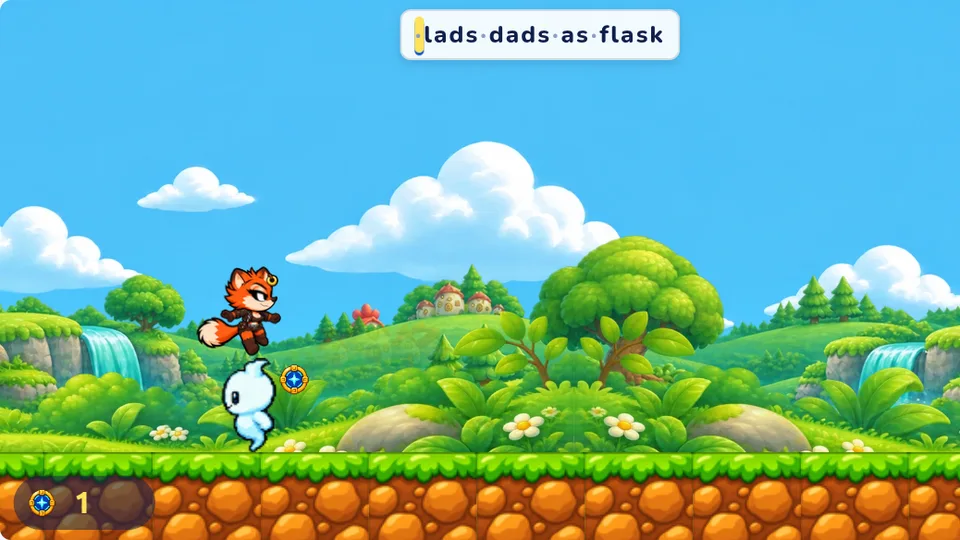 Endless runner
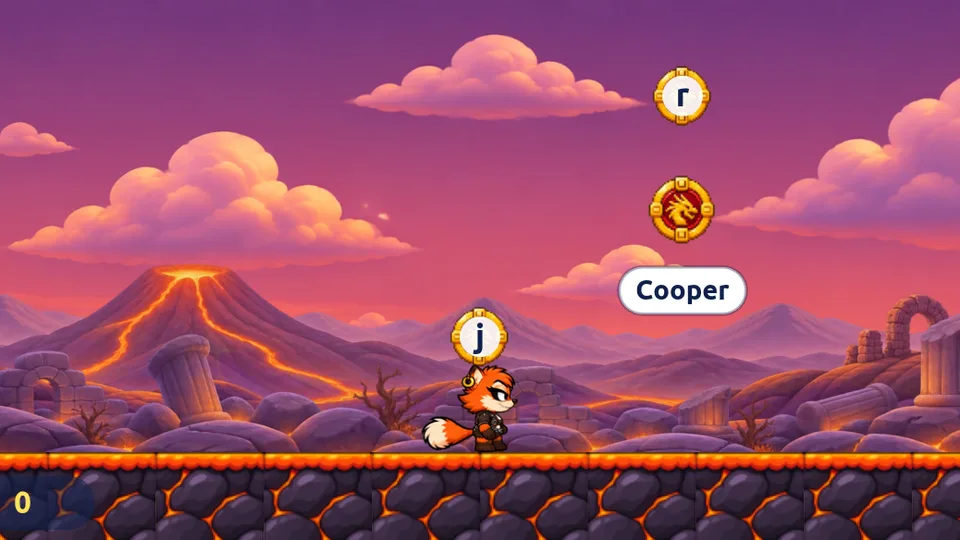 Letter rain
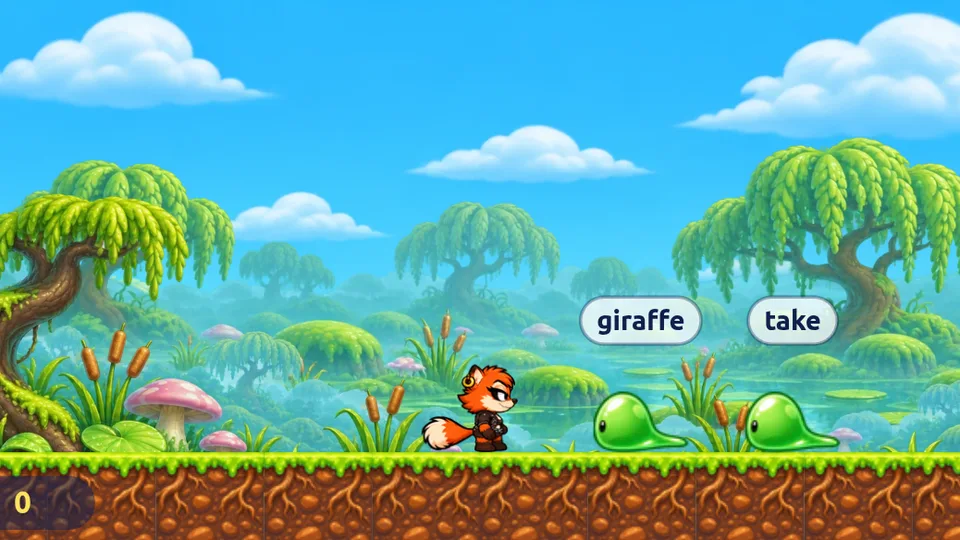 Stomp
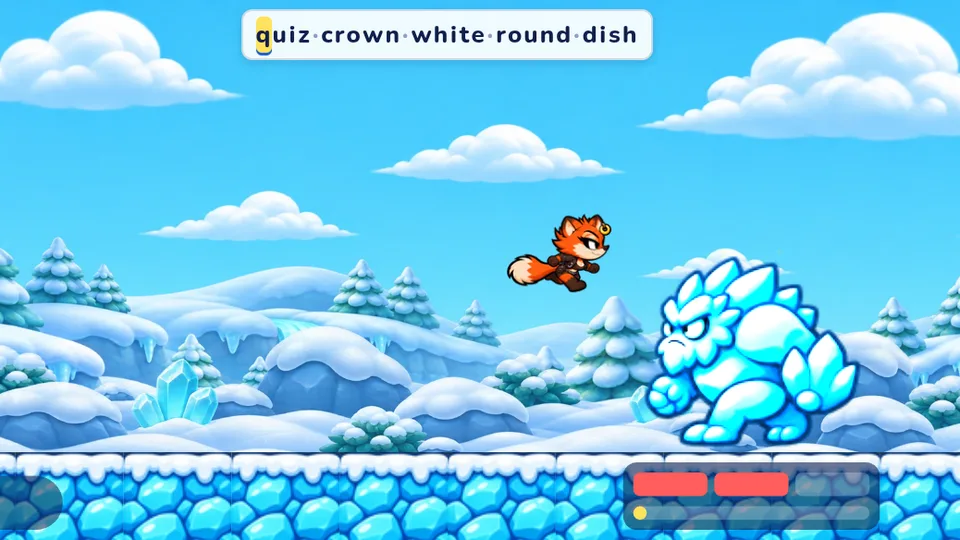 Boss fight
Every kid is different. Here’s a rough guide.
With a grown-up nearby: answer picture questions, pick a hero, and play a ready-made game. Then make small changes to games, like adding more coins and enemies.
Build a simple level on their own, from the start to the goal, and test it as they go. Then pick a biome and music, and share the game with friends by link.
Add enemies, checkpoints, locks and keys, and hidden levels. Then build bigger games with many levels, and try an Adventure with villagers and quests.
Write scripts that tell characters what to do, change gravity, and make their own characters. Then design boss fights and build quests with a story.