Which games work this way today?
Maze games. Sound cues, Game voice, High contrast, Bigger view and building with a map cursor all work there now.
Other kinds of game will follow. We would rather tell you that than promise more than is ready.

For blind and low-vision kids
Play and build maze games by sound, with a screen reader, a keyboard or a gamepad.
No sight is needed, and no mouse. Maze games work this way today. More kinds of game will follow.
No email address needed. Nothing to install.
Play independently
A maze your child can finish with headphones on. Spoken directions and positional sound explain what is around the hero.
Short sounds say what is around the hero. Something on the left sounds in the left ear, and nearer things are louder and higher.
The game speaks, with lines like “Paths: up, left” and “Key picked up. The exit is open.”
Three buttons answer a question: Look around, Goal, and Where am I. They work on a keyboard and a gamepad.
With Game voice off, the same words go to your child’s own screen reader instead.
One press moves the hero exactly one square, so every step can be counted.
When the hero catches on the corner of a gap, the game lines the hero up to walk through.
Low-vision settings
High contrast, larger squares and reduced motion help kids who see some of the screen, but not all of it.
Dark walls on a light floor. Each kind of thing has its own bold shape, so nobody needs to tell colors apart.
Shows half as many squares, each twice as big. The view follows the hero.
The view jumps to the next part of the maze instead of sliding.
Low vision turns on High contrast and Bigger view. Audio navigation turns on the sound settings.
Make your own maze
Move around the map one square at a time, hear what is nearby, find tools by name and check whether the finished maze can be won.
Arrow keys move a cursor one square, and it says what is on that square and beside it.
Press B and type a name, like “wall” or “key”, then Enter to place it.
Press D to hear the maze described, and whether the key and the exit can be reached.
Every building key has a gamepad button, so a child can build with no keyboard.
Alt and a number goes straight to the map, the build tools, the settings or Cooper’s chat.
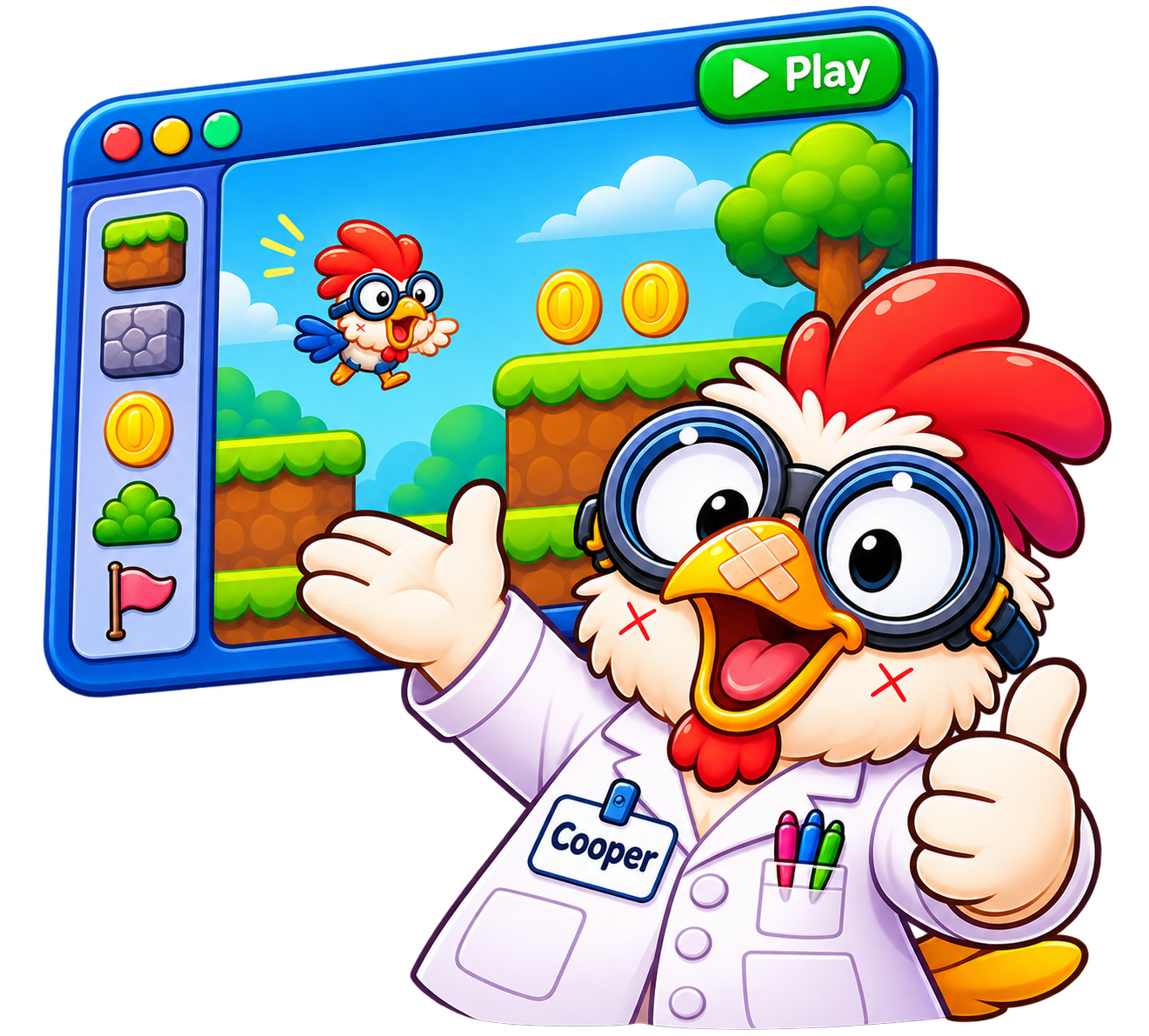
Say what you want in your own words, and Cooper, our chicken helper, makes the change.
These settings work in Maze games and the maze builder. Other kinds of game do not have the same audio and keyboard support yet.
Clear answers
What works, what you need and where the current limits are.
Maze games. Sound cues, Game voice, High contrast, Bigger view and building with a map cursor all work there now.
Other kinds of game will follow. We would rather tell you that than promise more than is ready.
A computer with a web browser, and a keyboard or a gamepad. There is nothing to install.
Use headphones for sound cues, because they tell left from right.
Yes. The maze builder works with no mouse and no sight. A screen reader says what each press did.
The builder also checks the maze and says if it can’t be won.
Yes. A maze your child builds is an ordinary game, shared by link. Each player picks their own settings.
So a blind child and a sighted brother or sister can play, and build, the same maze.
Yes. A student can start with a Lab Key and no email address.
There are no class lists or teacher tools yet. If you try it with students, please tell us what is missing.
It is free to start, with no email address. Paid plans give you more child profiles, more games and more help from Cooper.