


Keep your key safe
ReadingWelcome
Right now, your Lab lives on this computer or tablet. Your Lab Key is a secret code that opens the same Lab on any other one.
You have not seen your code yet. In this section you get it and write it down.
Get your key
Read all the steps on this page first. Then do them.
- Open your Lab.
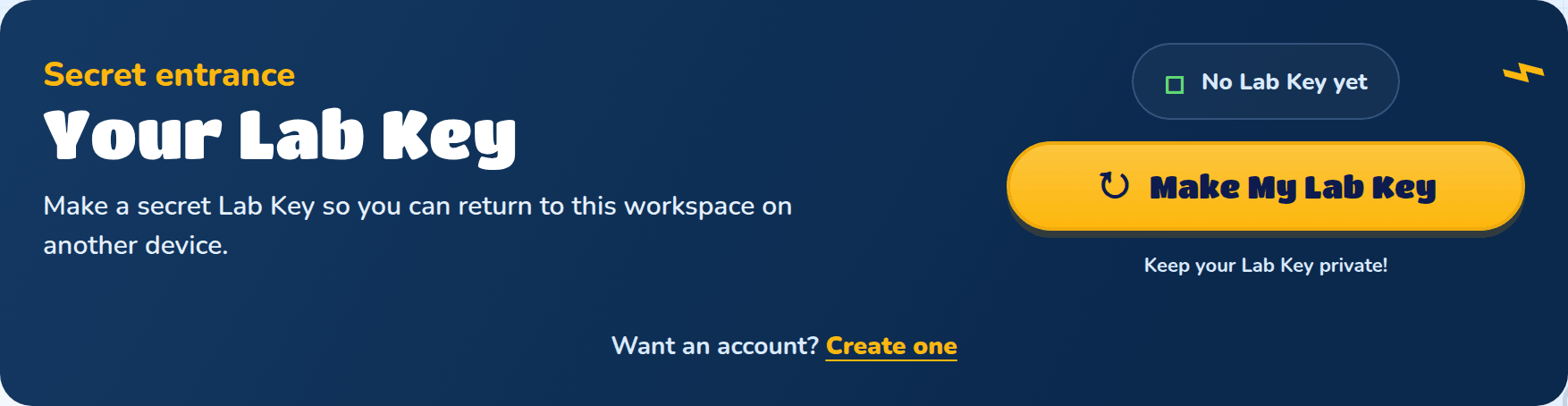
- Press Lab Key & access. It is under your Lab name.
- Press Make My Lab Key.
- If it asks you to pick a name for your Lab, tap the card you like.
Write it down
Your key shows on the screen. It is 30 numbers long, in five groups of six.
- Write it down on paper.
- Check every number.
- Press I Saved It.
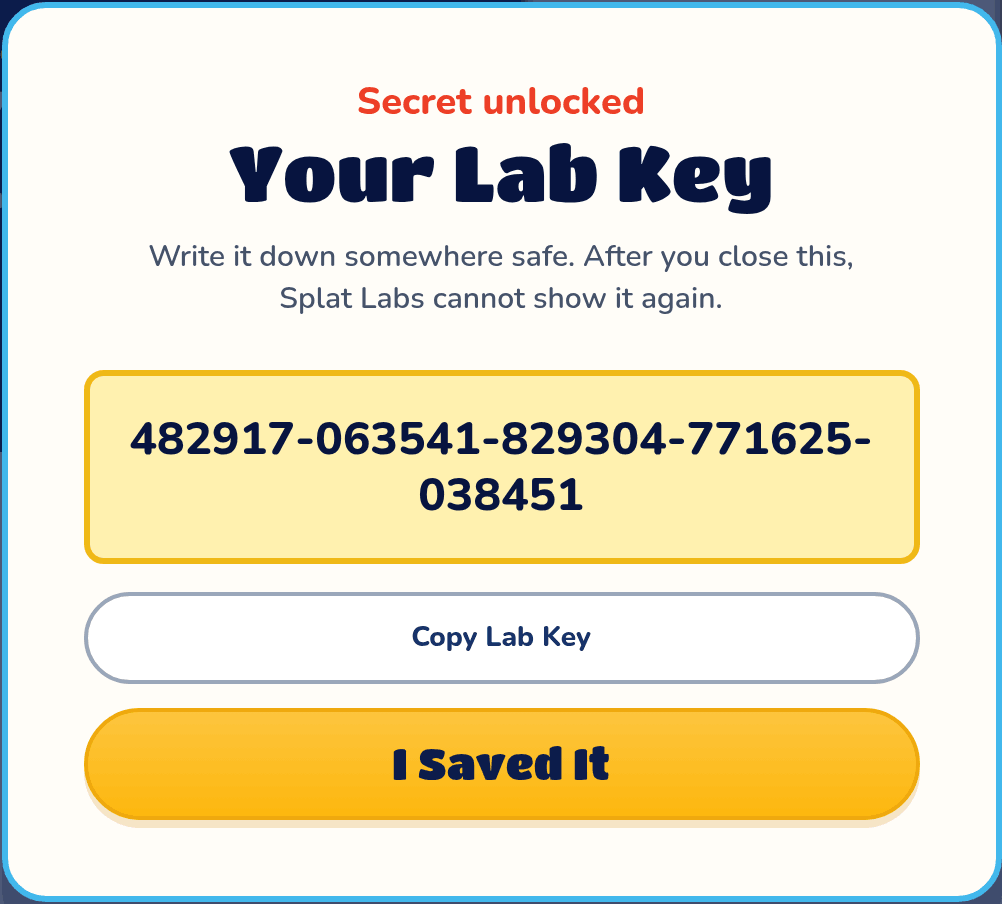
After you press I Saved It, Splat Labs can never show you this key again.
Keep it secret
Anyone who has your key can open your Lab. So look after it like a house key.
| Do | Do not |
|---|---|
| Write it in a notebook at home. | Tell it to a friend. |
| Let a grown-up keep a copy. | Type it in a message or a chat. |
| Keep it where you can find it again. | Show it in a photo or a video. |
Come back to the course
- Press Academy at the top of the site.
- Press Subscribed courses.
- Press this course, then press Carry on.
If you lose your key
Go back to Lab Key & access and press Make a New Lab Key. Your old key stops working, and you get a new one to write down.
This only works on a computer or tablet where your Lab is still open.
No Lab Key box?
Some Labs do not have a Lab Key. You will not see the box if a grown-up signed you in with an email address, or if you have a profile in a family Lab.
That is fine. You do not need a key, so skip the steps.
Finish this section
Tick Finished reading at the bottom of the page. Then press Next.